Software documentation today is more than just a mandatory task. It is part of the development process and must be as agile, versionable and automatable as source code itself. Classic office documents or proprietary wikis quickly reach their limits. Changes are hard to trace, collaboration is cumbersome and integration into CI/CD pipelines is hardly possible.
AsciiDoc and Kroki address exactly these points. Both tools embody the Docs-as-Code approach, where documentation is treated like source code. AsciiDoc provides an expressive text-based language for technical documentation that can be managed in Git and processed automatically. Kroki complements this with the ability to embed diagrams directly in the document and render them automatically. This allows developers to use diagrams without needing to install additional tools.
The combination is not new, but it delivers clear added value: content and visualizations remain in the same repository, changes are traceable at any time and output formats from HTML to PDF can be generated automatically. Documentation thus becomes a fixed and reproducible part of software development. It remains transparent, flexible and independent of proprietary platforms.
What is AsciiDoc
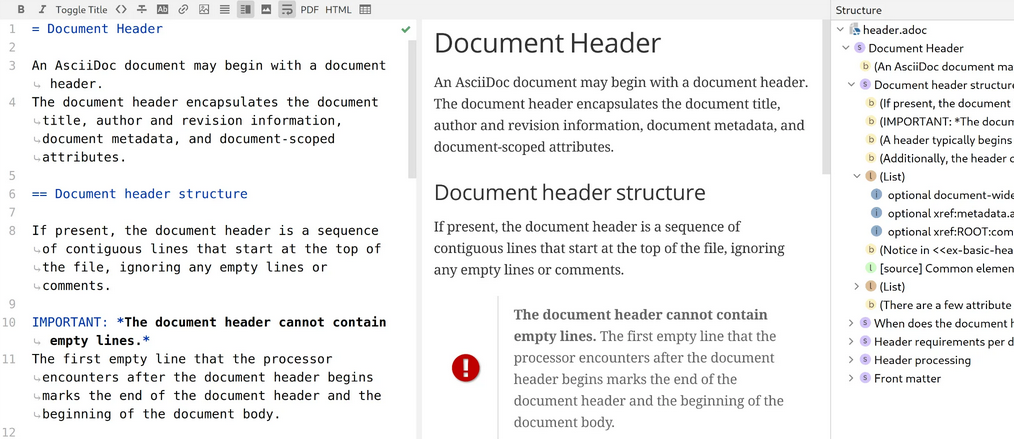
AsciiDoc is a markup language specially designed for technical documentation. Unlike classic office documents or WYSIWYG editors, AsciiDoc separates content and presentation consistently. The text is written in an easily readable syntax and can then be converted into various output formats such as HTML, PDF or DocBook.
Why AsciiDoc?
AsciiDoc follows the same idea as Markdown, but offers significantly more features. It supports tables, cross-references, variables, includes, footnotes, tables of contents and extensions such as embedding diagrams. This makes it suitable not only for simple README files but also for extensive manuals, specifications or training materials.
Advantages in software development
Version control: Because AsciiDoc is plain text, it can be used seamlessly in Git or other version control systems. Changes are transparently traceable and differences between versions are clearly visible.
Automation: AsciiDoc documents can be part of a build pipeline. Documentation can be generated along with the software from the same repository. This makes documentation an integral part of the development process rather than a subsequent step.
Reusability: Content can be structured modularly and reused with include directives. This saves time and avoids redundancy, for example with recurring sections like license texts or standard notices.
Integration of diagrams: In combination with Asciidoctor Diagram and Kroki, diagrams can be embedded directly in the text. The source code and the visualization remain together in the repository, which greatly simplifies maintenance.
Independence from proprietary formats: AsciiDoc is open and standardized. There is no dependency on specific vendors or programs. This makes documentation future-proof and portable.
AsciiDoc is a robust foundation for technical documentation in software projects. It combines the simplicity of text files with the expressiveness of a full-fledged markup language. Especially in the context of software development, continuous integration and DevOps processes, it offers clear advantages: documentation becomes versionable, automatable and tightly integrated with source code.
What is Kroki
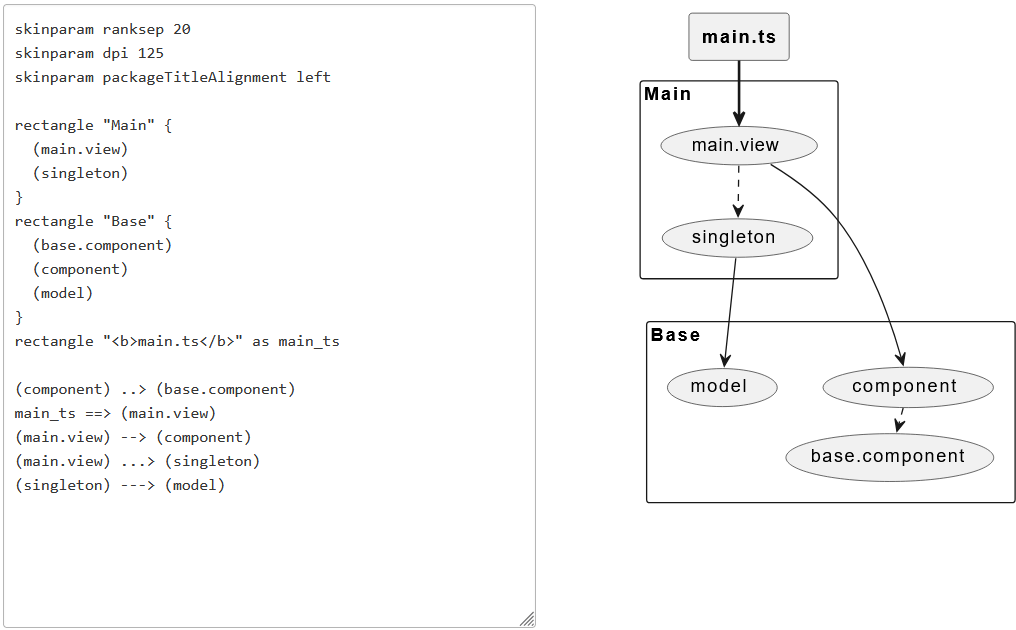
Kroki is an open-source service that automatically generates diagrams from textual descriptions. Instead of installing individual programs like PlantUML, Graphviz or Mermaid locally, Kroki provides a unified HTTP interface. You submit a text file to the service and receive an image in the desired format in return, for example as SVG or PNG.
Which diagram languages are supported
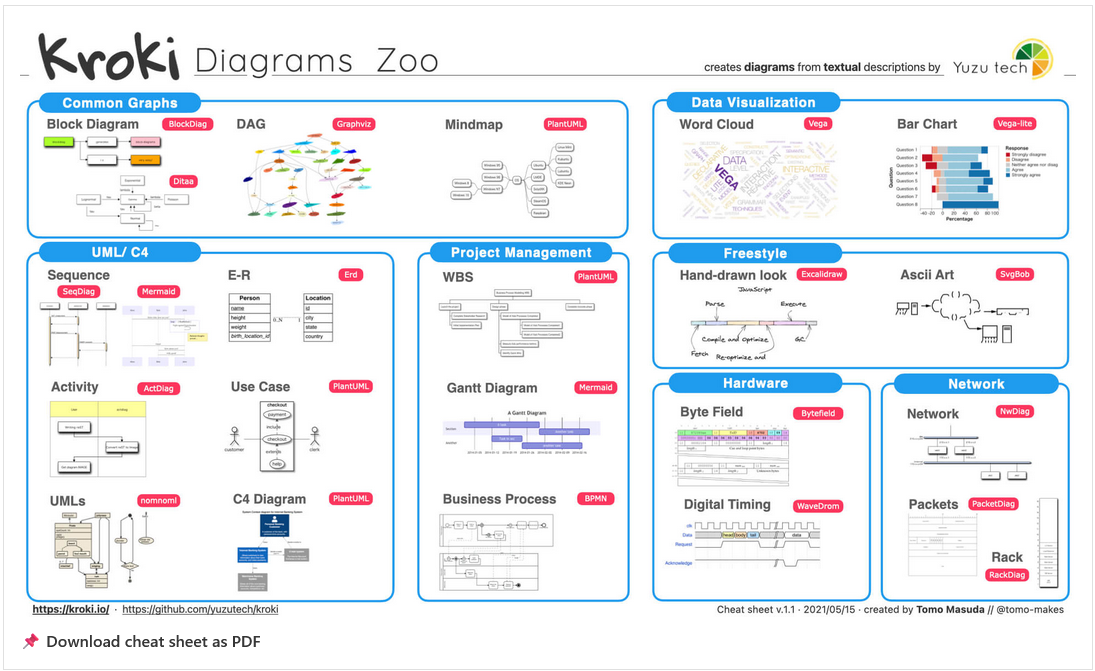
Kroki integrates a large selection of engines. These include UML diagrams via PlantUML, architecture diagrams with C4 or process diagrams in BPMN, network diagrams with Graphviz and many more. This makes it possible to combine different notations in one document without the reader or author having to install additional software.
Advantages in everyday development
The greatest advantage lies in unification. Instead of maintaining various tools and installations, a single Kroki server is sufficient. This saves time on setup and reduces dependencies.
Another aspect is automation. Since Kroki is accessed via an API, it can be easily integrated into CI/CD pipelines. Documentation can then be generated automatically, including the associated diagrams. Changes in the source code or in the diagram descriptions become immediately visible in the generated documents, without anyone having to manually export an image again.
Kroki also brings benefits in teams. All participants access the same service and work with the same versions of the engines. This prevents differences between local installations and ensures reproducible results.
Connection to AsciiDoc
Kroki becomes particularly interesting in combination with AsciiDoc. AsciiDoc allows embedding diagram code directly in the documentation. Normally, this would require a local backend like PlantUML or Mermaid. With Kroki, however, a simple configuration parameter is sufficient.
Installation
AsciiDoc
To work with AsciiDoc, you need a rendering engine. The most widespread is Asciidoctor. It converts AsciiDoc files into HTML or PDF. For processing diagrams, the Asciidoctor Diagram plugin is used additionally.
Asciidoctor is written in Ruby. Therefore, Ruby must be installed on the system. On Windows 11, installation via the RubyInstaller is recommended.
Once Ruby is set up, install the required packages using the Ruby package manager gem.
To render diagrams with Kroki directly in AsciiDoc, it is recommended to use the asciidoctor-kroki extension. While asciidoctor-diagram tries to call local tools like PlantUML or Graphviz, asciidoctor-kroki connects the Kroki server directly over HTTP.
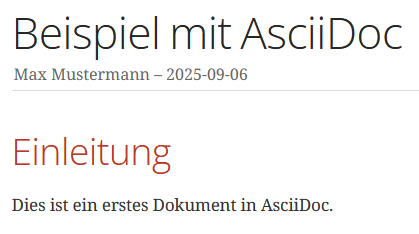
To test, create a test file helloworld.adoc with the following content:
With the following command, you convert the file to HTML:
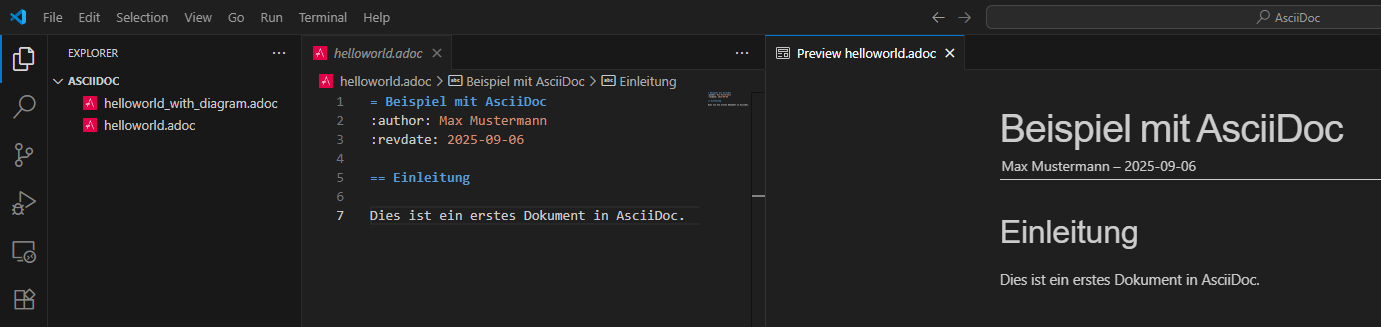
Visual Studio Code, with the AsciiDoc by Asciidoctor extension, allows rendering AsciiDoc files directly in the editor as a preview. While you write the AsciiDoc source in the left pane, the extension displays the rendered HTML in the right pane. This way, you can check changes to the document immediately without manually converting the text to HTML first.
Kroki
On Windows, Kroki can be run very easily with Docker Desktop. Docker handles the complete installation and management of the application. No additional configuration is necessary.
This automatically downloads Kroki from Docker Hub and starts it in the background. The service is then accessible in the browser at http://localhost:8000. This provides a fully functional Kroki server immediately available for generating diagrams.
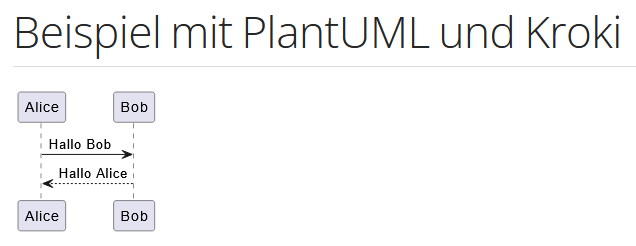
The displayed text is a complete AsciiDoc document that renders a diagram with Kroki. The first line contains the document title. The line :kroki-server-url: http://localhost:8000 specifies that Kroki is used as the server for diagram generation. The block [plantuml, format=svg] declares a PlantUML diagram that should be output as SVG. Between the lines —- is the actual PlantUML code. This describes a simple sequence diagram in which Alice sends a message to Bob and Bob responds. When rendering, this code is automatically passed to Kroki and inserted as an image into the final document.
This command converts an AsciiDoc file to HTML and renders included diagrams via the Kroki server.
Example Documents
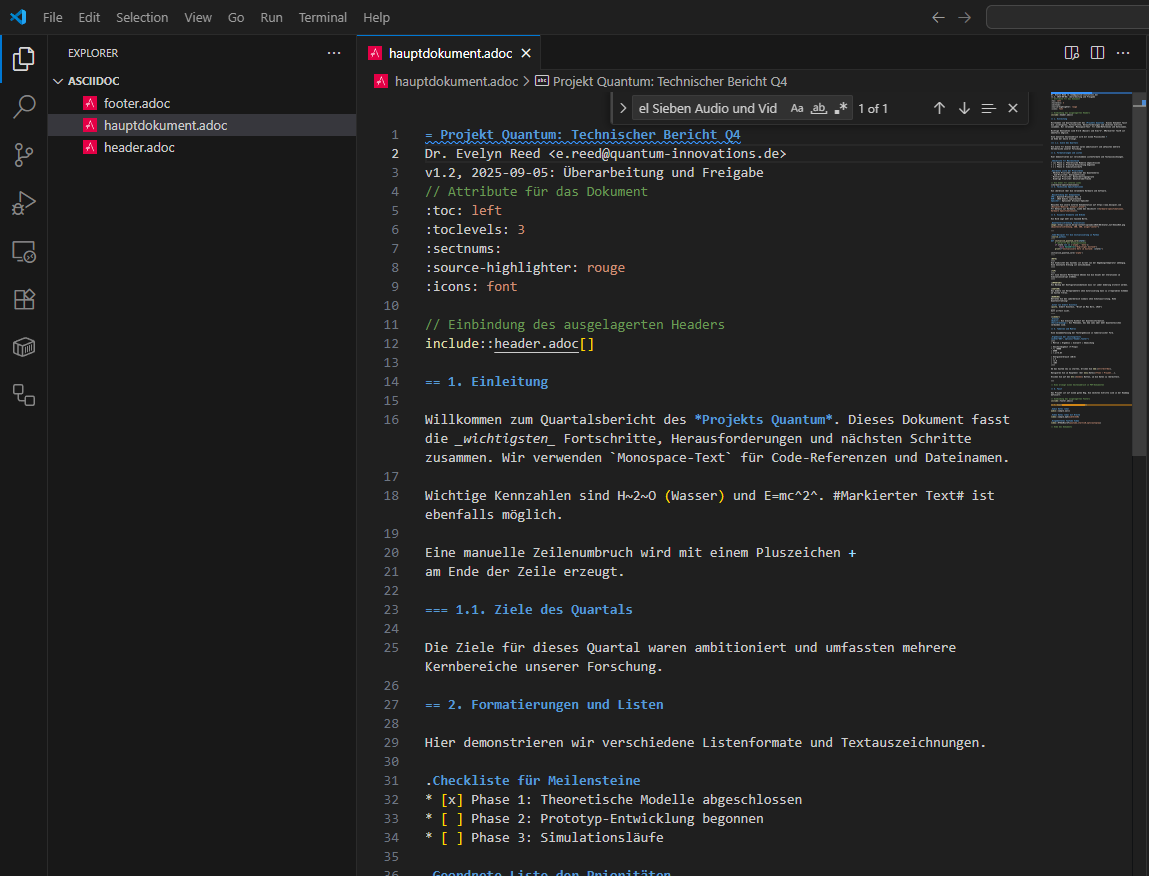
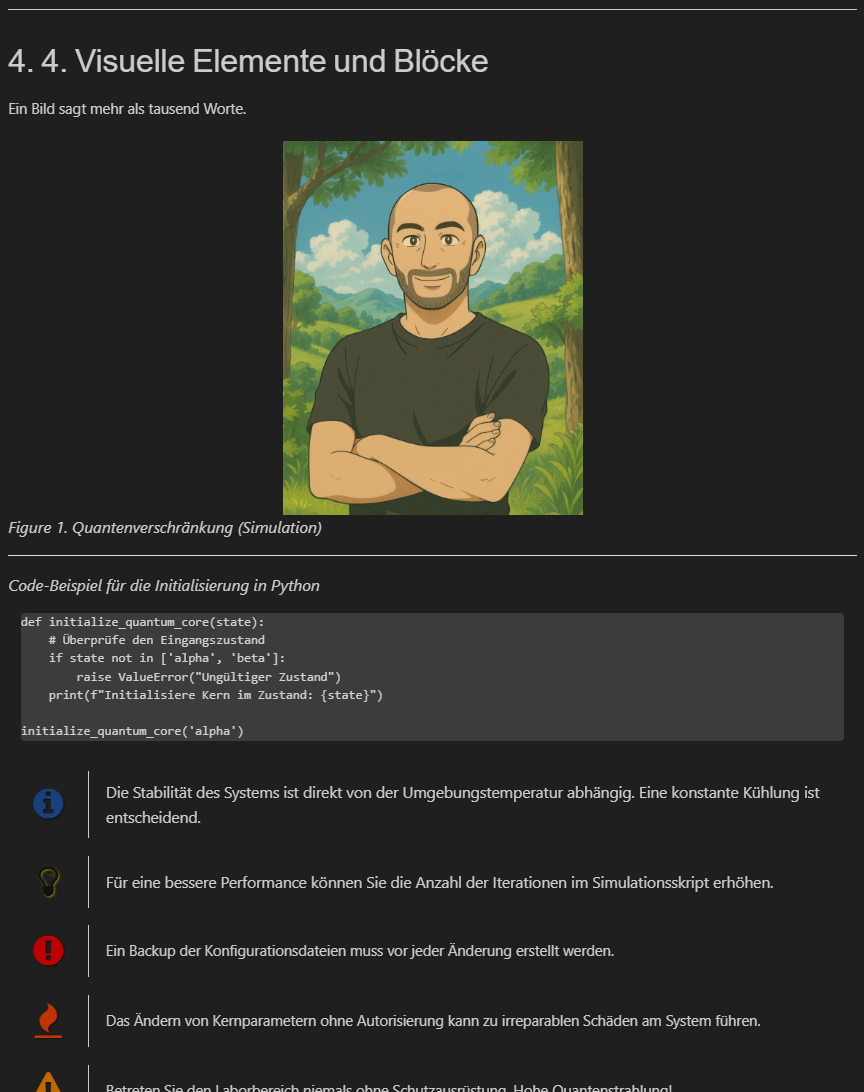
Here is an example that demonstrates the most important features of AsciiDoc. It is not complete, but is intended to give an impression of how different formatting options can be used.