Installation E.D.D.I can be installed both from source and as a Docker container. I will perform the installation from source.
First we need to install the following applications:
Set environment variables for Java and Maven: 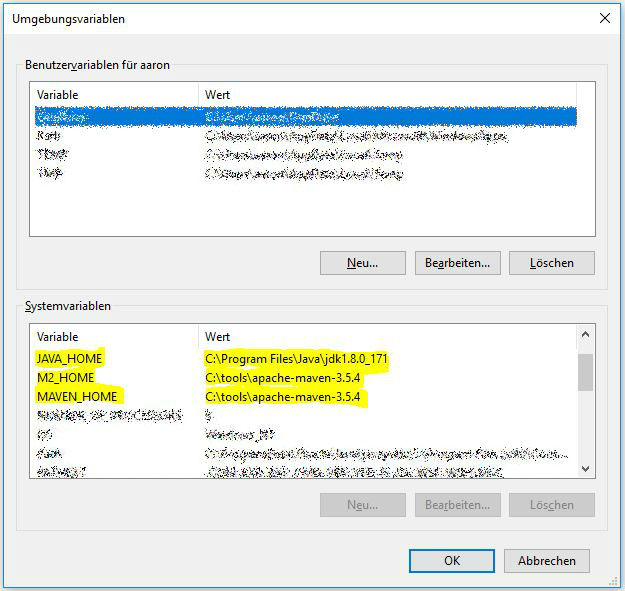
Set paths for Java, Maven, and MongoDB: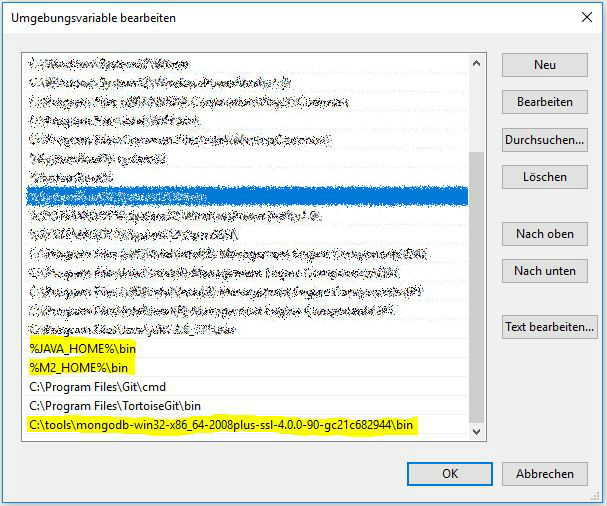
Test paths: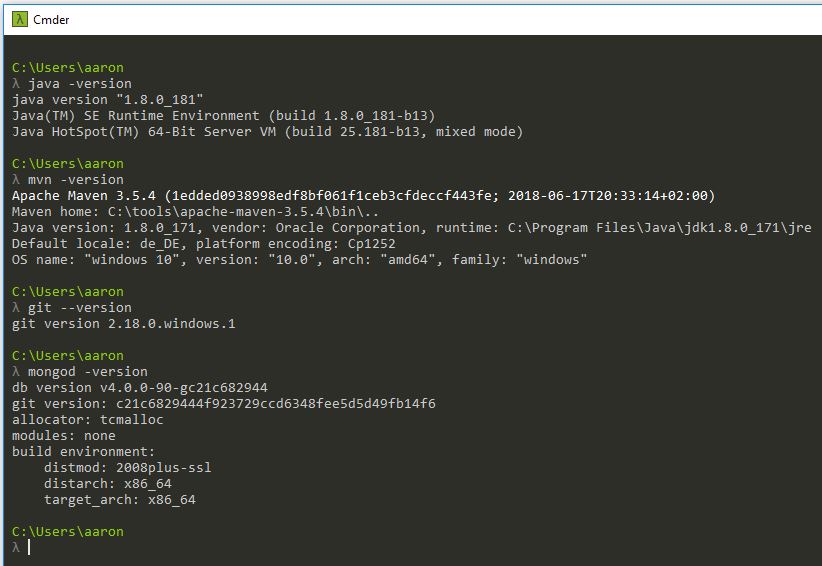
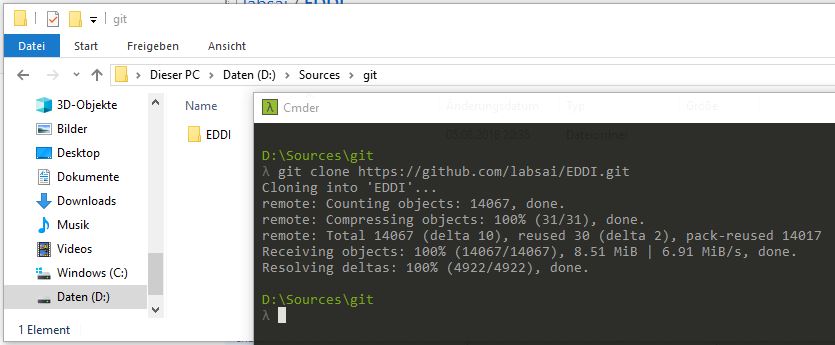
Download sources via git:
- cd
- git clone https://github.com/labsai/EDDI.git
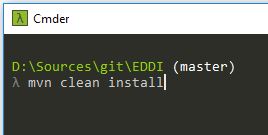
Build application via Maven:
- mvn clean install
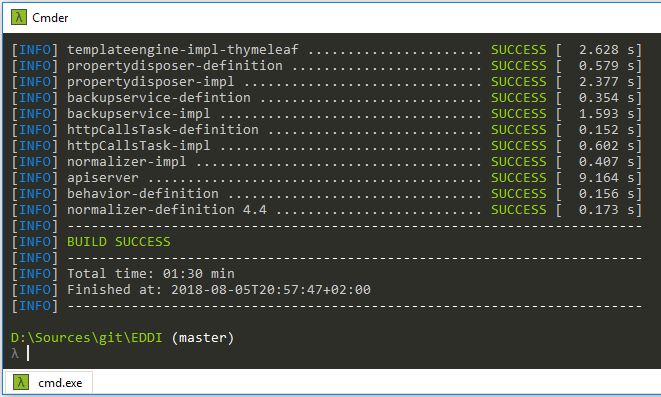
That completes the installation.
Starting the database
E.D.D.I requires MongoDB. To start MongoDB, we first need to create an empty folder locally for the database. The default path is:
- C:\data\db
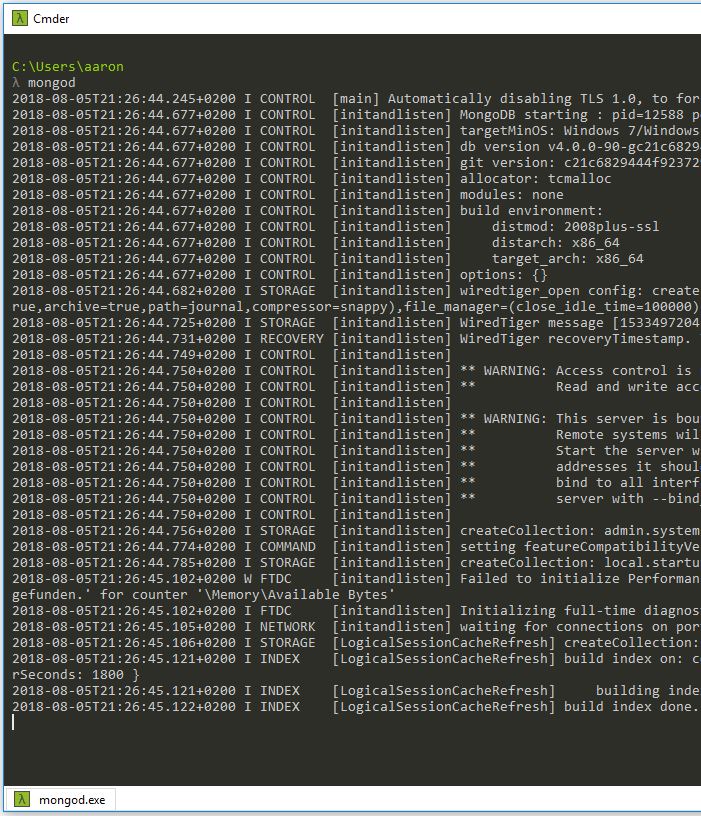
Then MongoDB can be started with the following command:
- mongod
Starting E.D.D.I
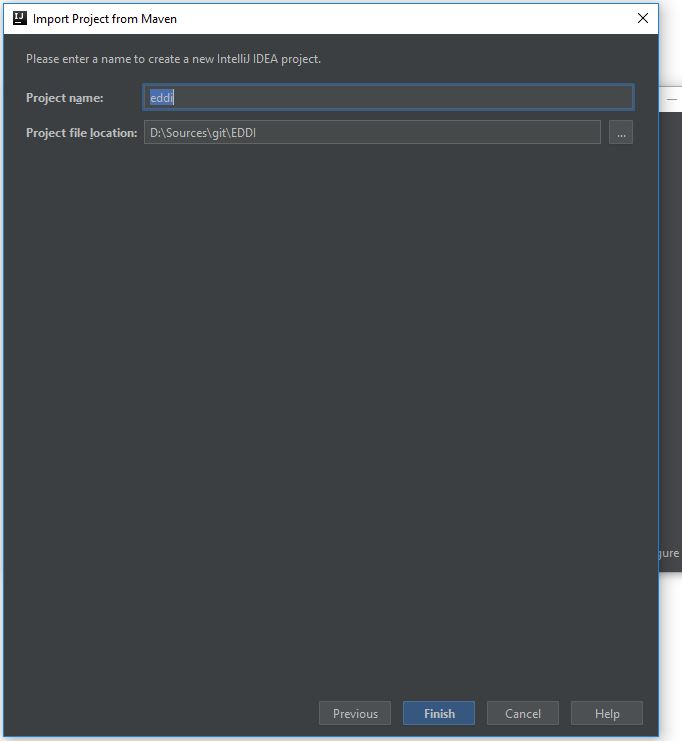
I will start the application using IntelliJ. For this, the project must first be imported:
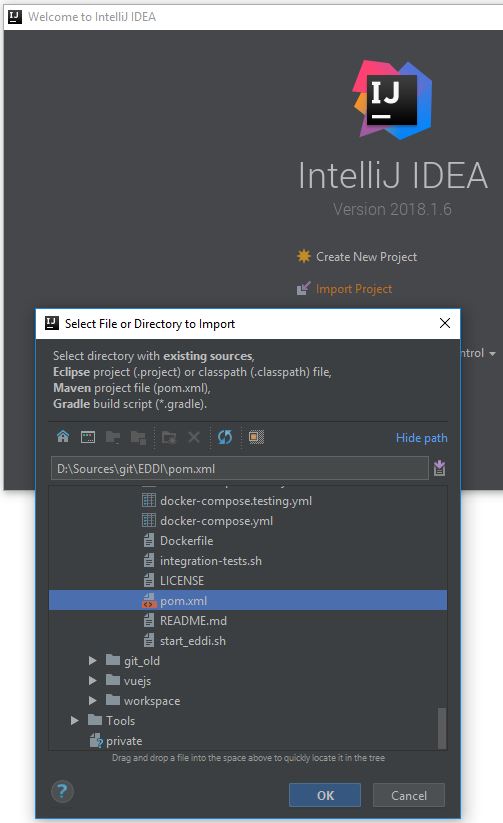
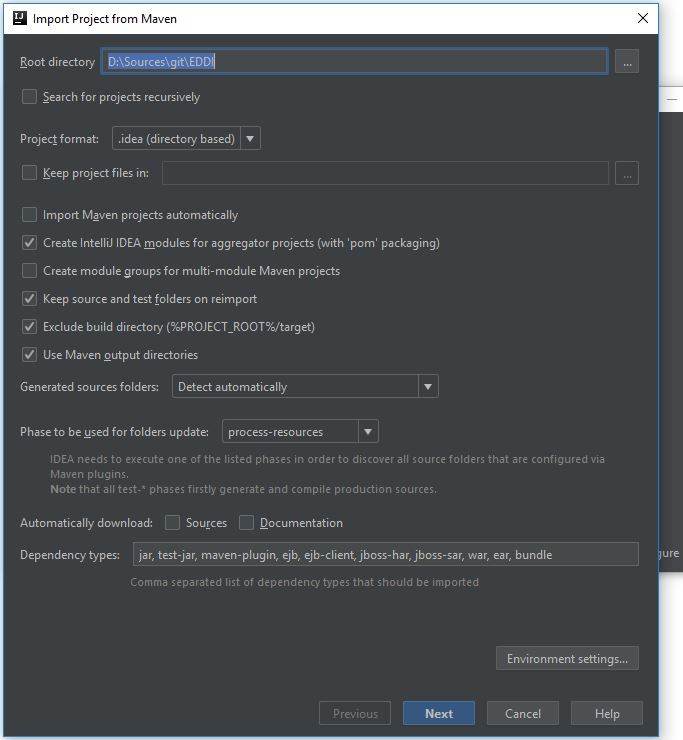
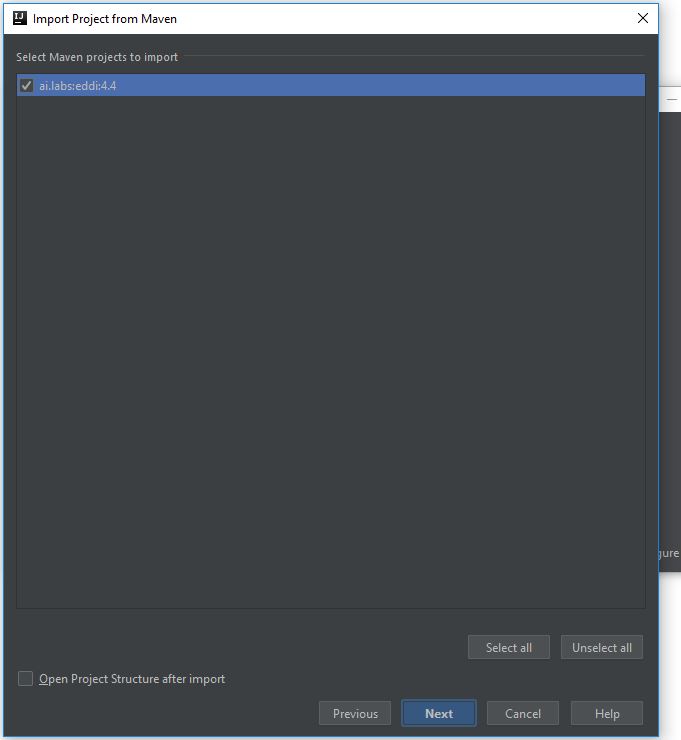
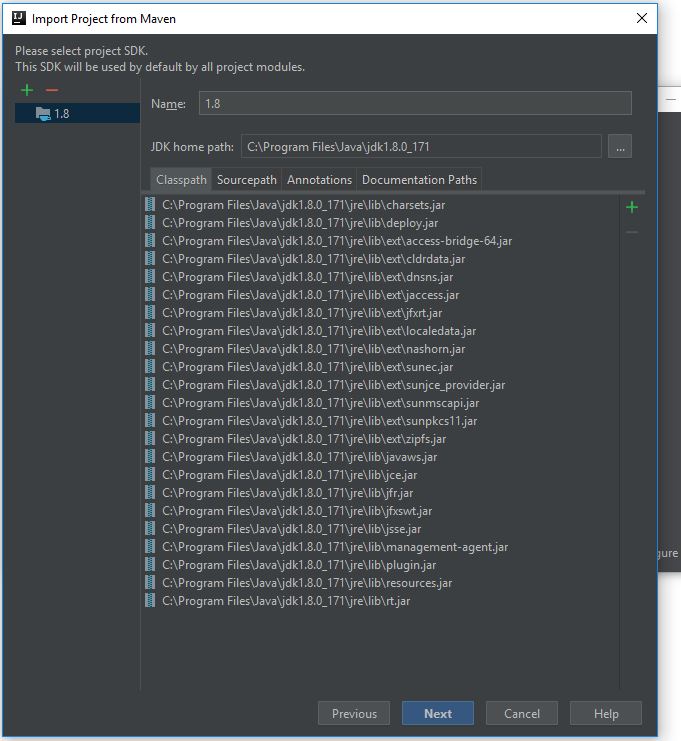
Environment configuration
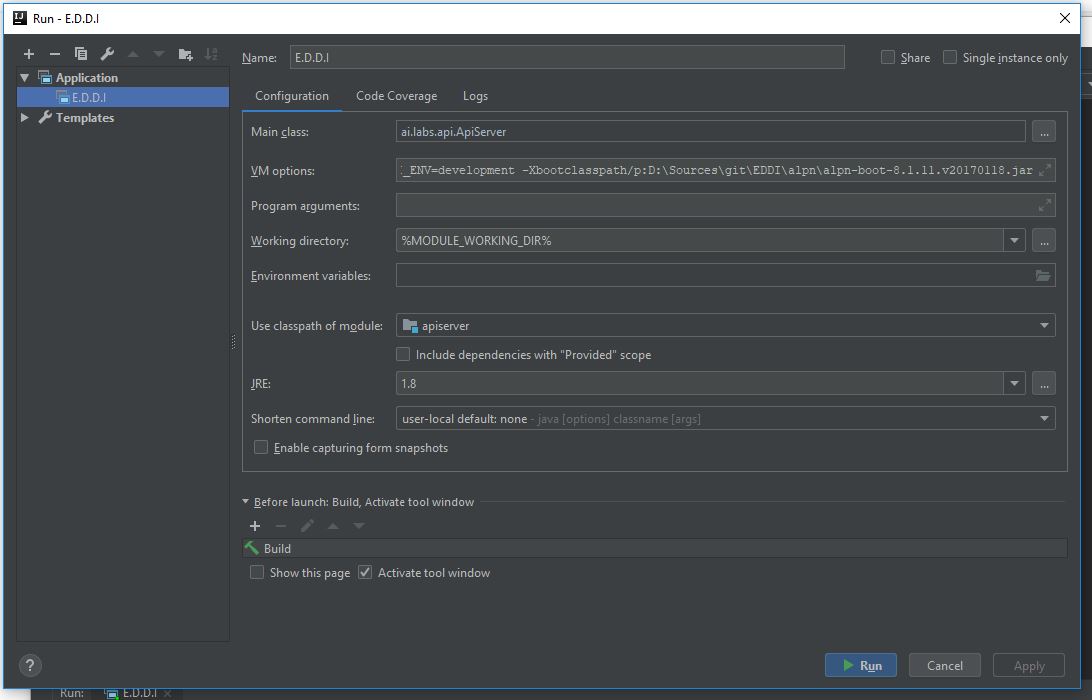
VM options:
-DEDDI_ENV=development -Xbootclasspath/p:**D:\Sources\git\EDDI\**alpn\alpn-boot-8.1.11.v20170118.jar
Working directory:
%MODULE_WORKING_DIR%
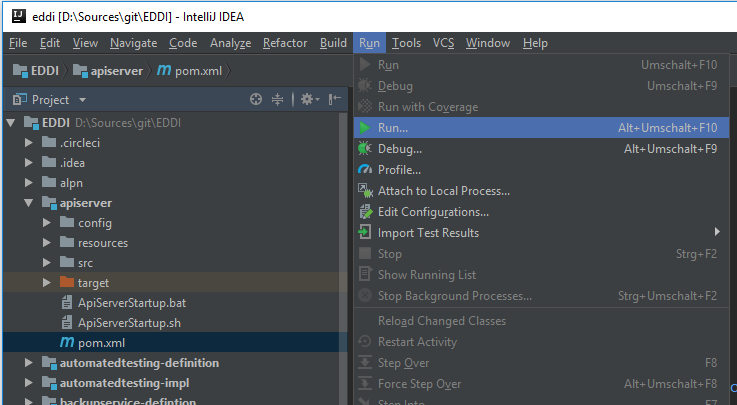
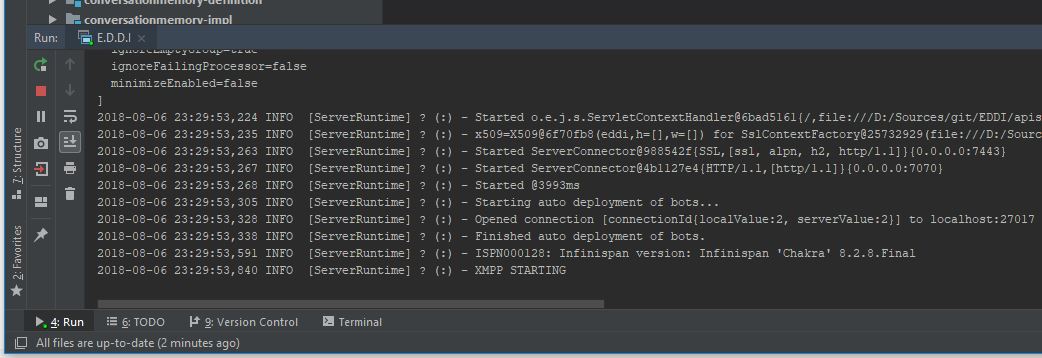
Starting E.D.D.I
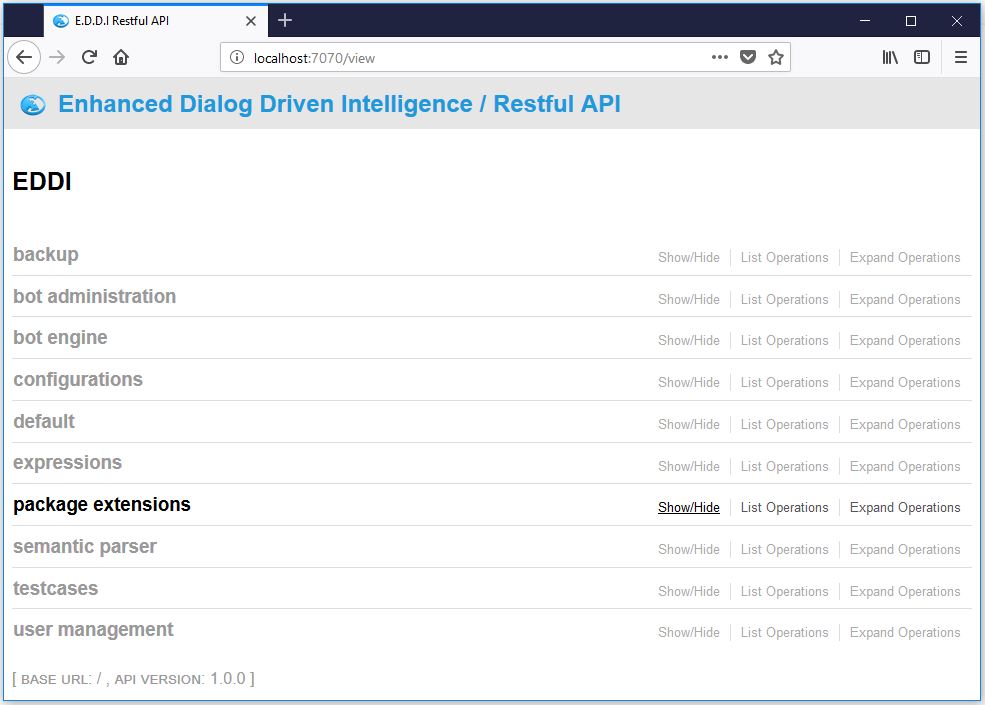
Teaching E.D.D.I to speak
To teach E.D.D.I to speak, you need to teach it, among other things, simple words and sentences (regular dictionary). A regular dictionary consists of individual words and their associated feedback or responses that the bot returns when those words are entered, as well as whole sentences with their corresponding responses. The following example illustrates the structure of a ‘regular dictionary’:
[codesyntax]
{
    "language" : "en",
    "words" : [
            {
                "word" : "hello",
                "exp" : "greeting(hello)",
                    "frequency" : 0
            }
      ],
    "phrases" : [
            {
                "phrase" : "good afternoon",
                "exp" : "greeting(good_afternoon),language(english)"
            }
      ]
}
[/codesyntax]
For adding entries, you can, among other options, use the REST interface “POST /regulardictionarystore/regulardictionaries” that E.D.D.I makes available via Swagger. More information about Swagger can be found, among other places, on my site.
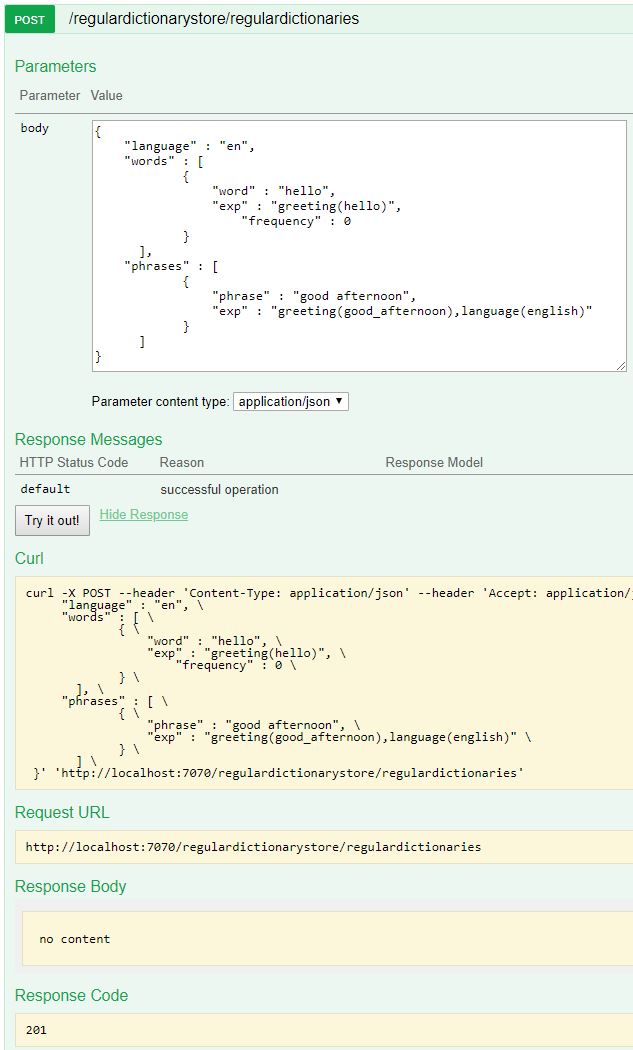
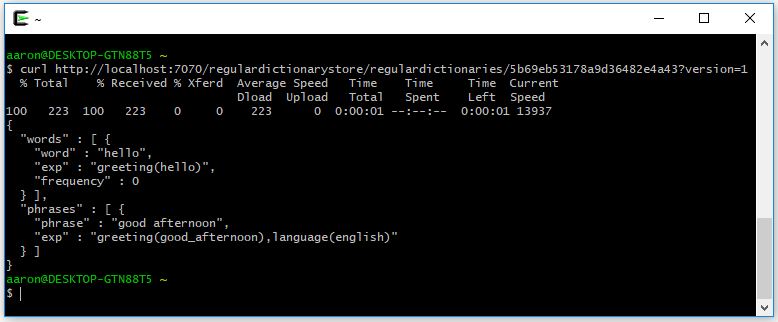
When the entry is created, a unique ID is generated for the corresponding entry:
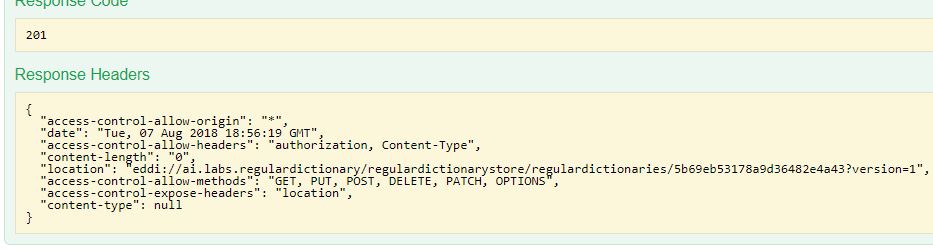
The entry can then be accessed via the following REST endpoint:
http://localhost:7070/regulardictionarystore/regulardictionaries/5b69eb53178a9d36482e4a43?version=1

On Windows, you can use Cygwin to use CURL. However, the appropriate binary package must be selected during installation.
In addition to simple words and expressions (‘regular dictionary’), E.D.D.I can learn so-called Behavior Rules. Behavior rules are divided into groups and are executed sequentially within each group. Once a behavior rule within a group is executed, all other rules in the same group are skipped. A behavior rule can include additional sub-conditions.
The structure looks as follows:
[codesyntax]
{
   "behaviorGroups":[
      {
         "name":"Group1",
         "behaviorRules":[
            {
               "name":"Rule1",
               "actions":[
                  "Kill Batman"
               ],
               "children":[
                  {
                     "type":"inputmatcher",
                     "values":{
                        "expressions":"greeting(*)",
                        "occurrence":"currentStep"
                     },
                     "children":[
                        {

                        }
                     ]
                  }
               ]
            }
         ]
      }
   ]
}
[/codesyntax]
Each condition (children) includes the field ’type’. Currently, the ’type’ distinguishes four different kinds of conditions.
- Input Matcher
- Context Matcher
- Connector
- Negation
For more details on the condition types, refer to the specification.
Setup follows…..