Send Message via LangChain to ChatGPT
Here we send a message via LangChain to ChatGPT and output the response.
Perform Chaining with “chain”
Use “chain” to link the model and the parser together.
Template Prompts
Prepare the prompts using a template.
Use the template:
The target language is externalized:
Further Chaining
Chain the template with model & parser:
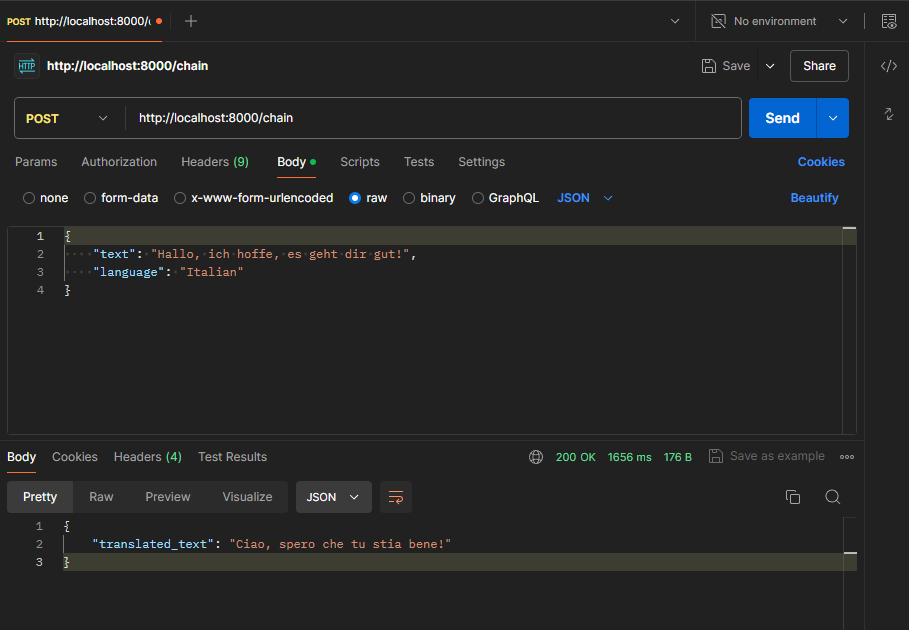
Server via FastAPI & REST Endpoint
Create a server via FastAPI. The server loads the application (app.py), handles the REST request and outputs the translation:
Chatbot
This bot forwards all requests 1:1 to ChatGPT and thus serves as a “proxy”.
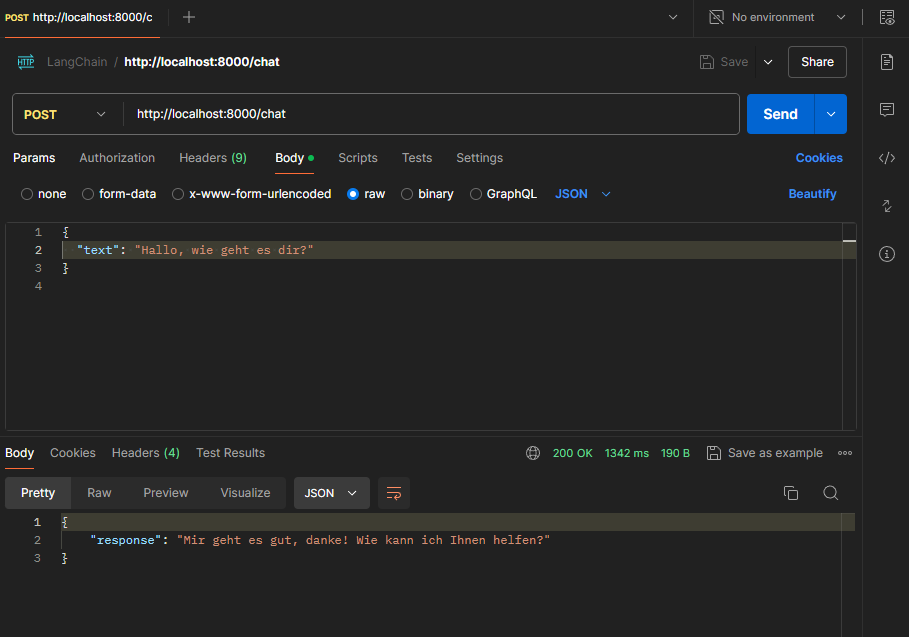
Chatbot incl. Prompt Template
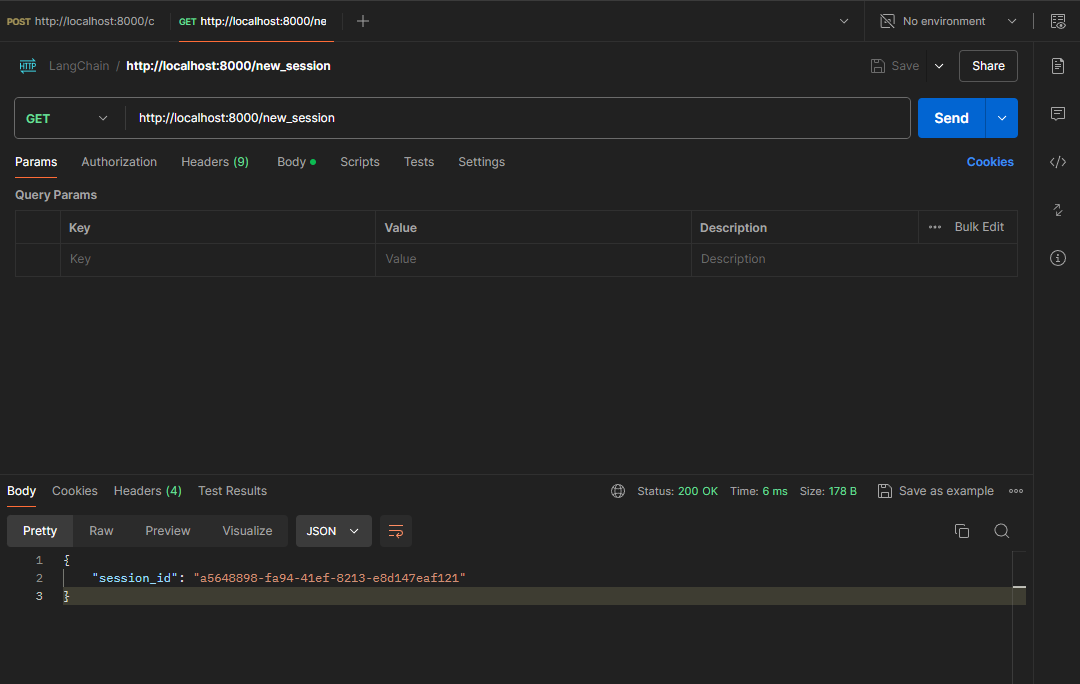
Chatbot incl. Prompt Template & Session ID Query
Only answer chatbot requests via session ID. Session ID query was removed again:
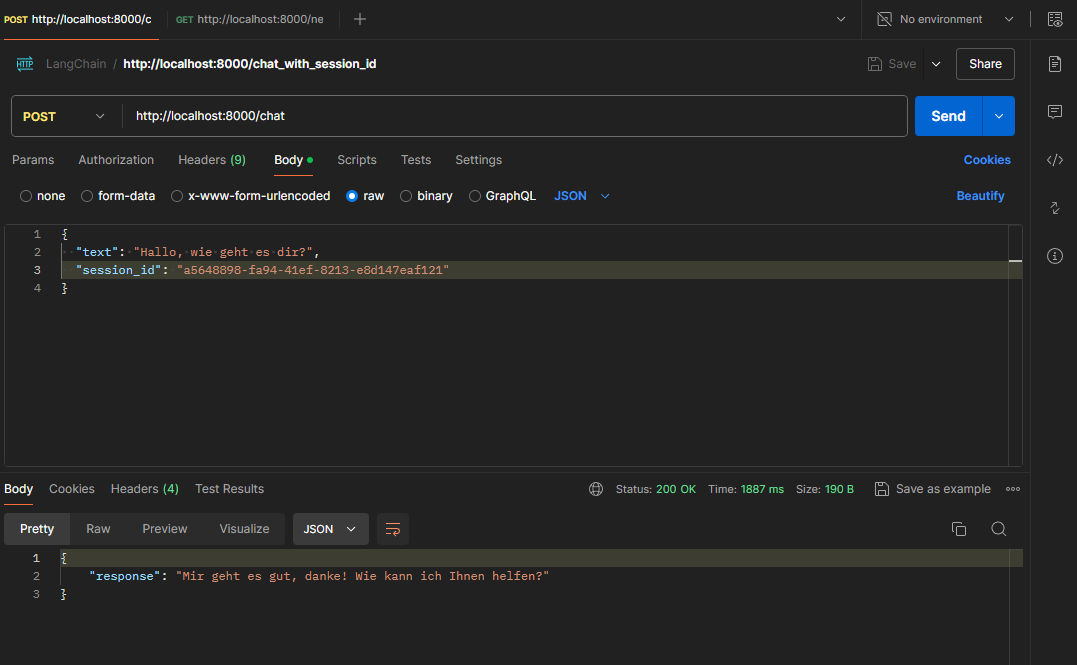
Chatbot incl. Prompt Template & Limiting the History Length & Output as Stream
Limit the history length and output the bot’s response as a stream. Session ID query was removed again.
Send Request via Agent to Anthropic or OpenAI
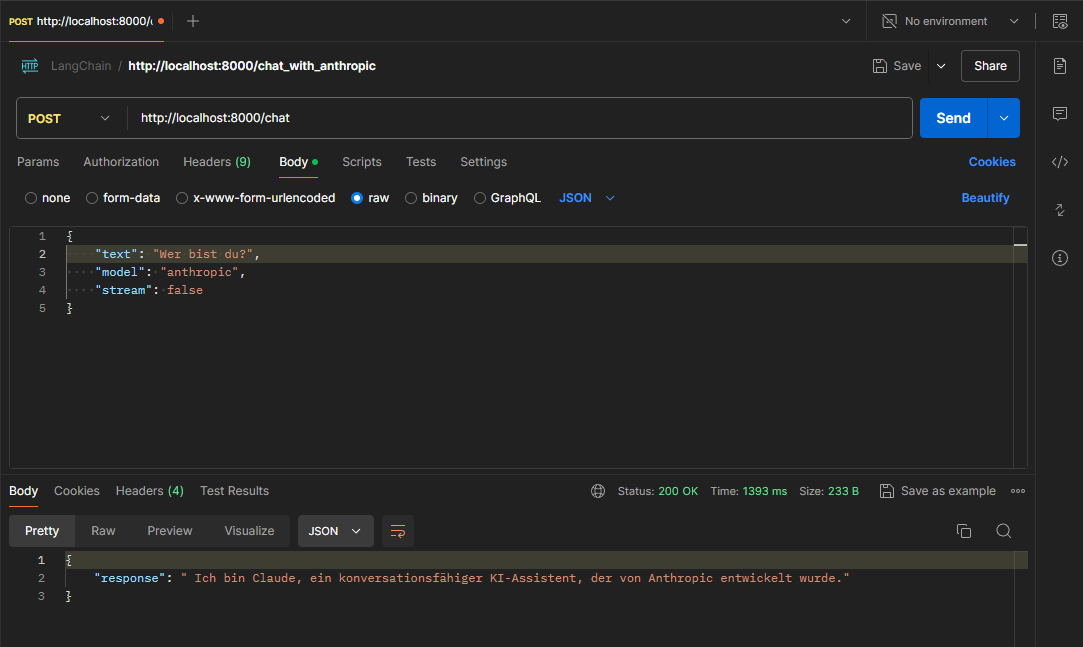
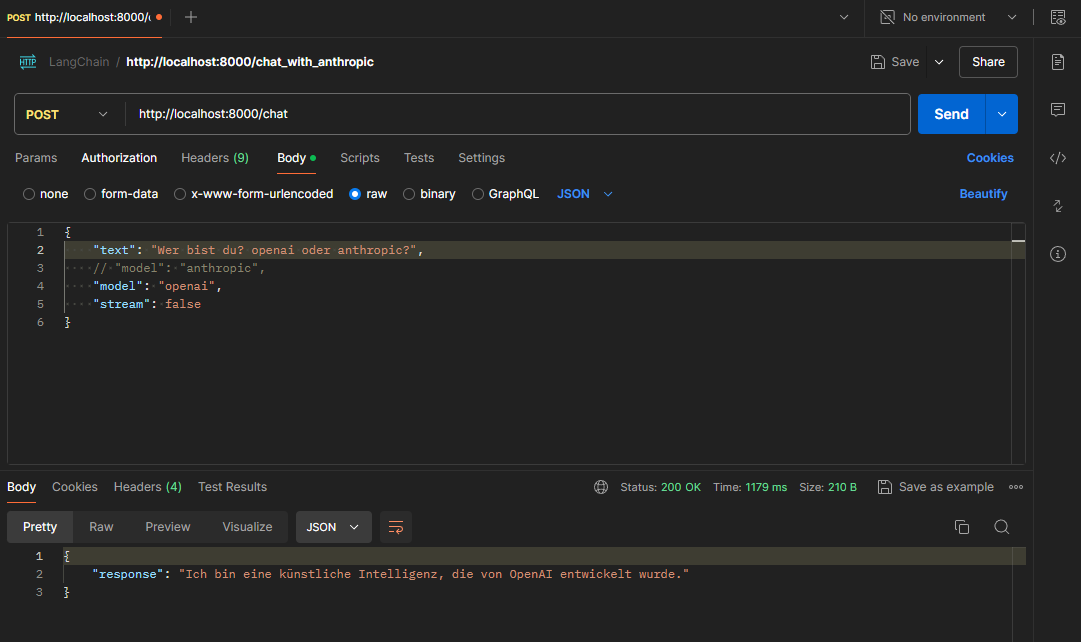
Within the REST request it is now possible to specify whether OpenAI (ChatGPT) or Anthropic (Claude) should be used.
Call to Anthropic:
Call to OpenAI:
The transformers-library, provided by Hugging Face, is one of the most popular libraries for working with pretrained models for natural language processing (NLP). This library offers an easy way to access and use a variety of NLP models, including models for text generation, classification, translation and many other tasks.
The transformers library (pip install transformers) is necessary for:
Tokenization: The transformers library includes tokenizers that split text into smaller units (tokens). This is crucial to ensure that the number of tokens remains within the limits set by the models.
Token counting: The function trim_messages calculates the number of tokens in a text.