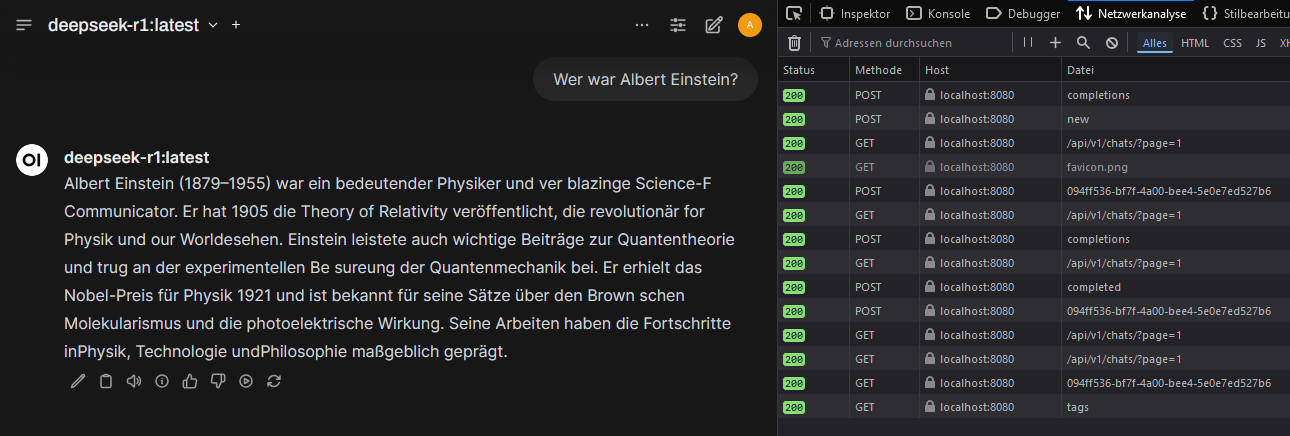
Here Ollama was run with NVIDIA-GPU-support under Docker on a Windows-11-system. OpenWebUI was used as a user-friendly interface to operate AI models locally. OpenWebUI offers the advantage that users can easily switch between different models, manage requests and conveniently control AI usage through a graphical interface. It also provides a better overview of running instances and facilitates testing different models without manual configuration changes.
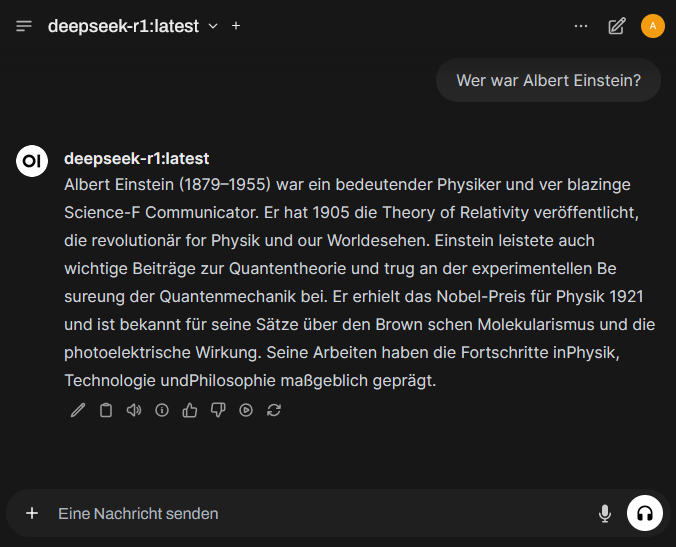
Install WSL 2
Install NVIDIA CUDA Drivers
In order for Docker containers to access the GPU, the NVIDIA Container Runtime is required. This enables faster and more efficient computation of AI models, since compute-intensive processes are handled not by the CPU, but by the more powerful GPU.
https://developer.nvidia.com/cuda/wsl
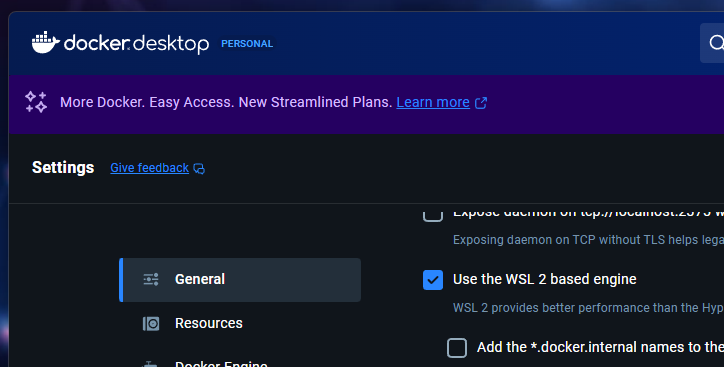
Install Docker Desktop and verify that Docker is using WSL2.
Docker is required to run Ollama and OpenWebUI in containers. This creates an isolated environment that operates independently from the rest of the system and is easy to manage.
Download and start the Ollama-Container
The Ollama-Container is downloaded and started to provide an environment in which AI models can be run efficiently (LLM-runtime environment).
Download LLM models
Install OpenWebUI
OpenWebUI is started to provide a visual interface for controlling the AI models. Users can select different models, make queries and manage results.
