- Download the Ollama LLM runtime environment download and install it. After installation the server can be accessed at http://127.0.0.1:11434/.
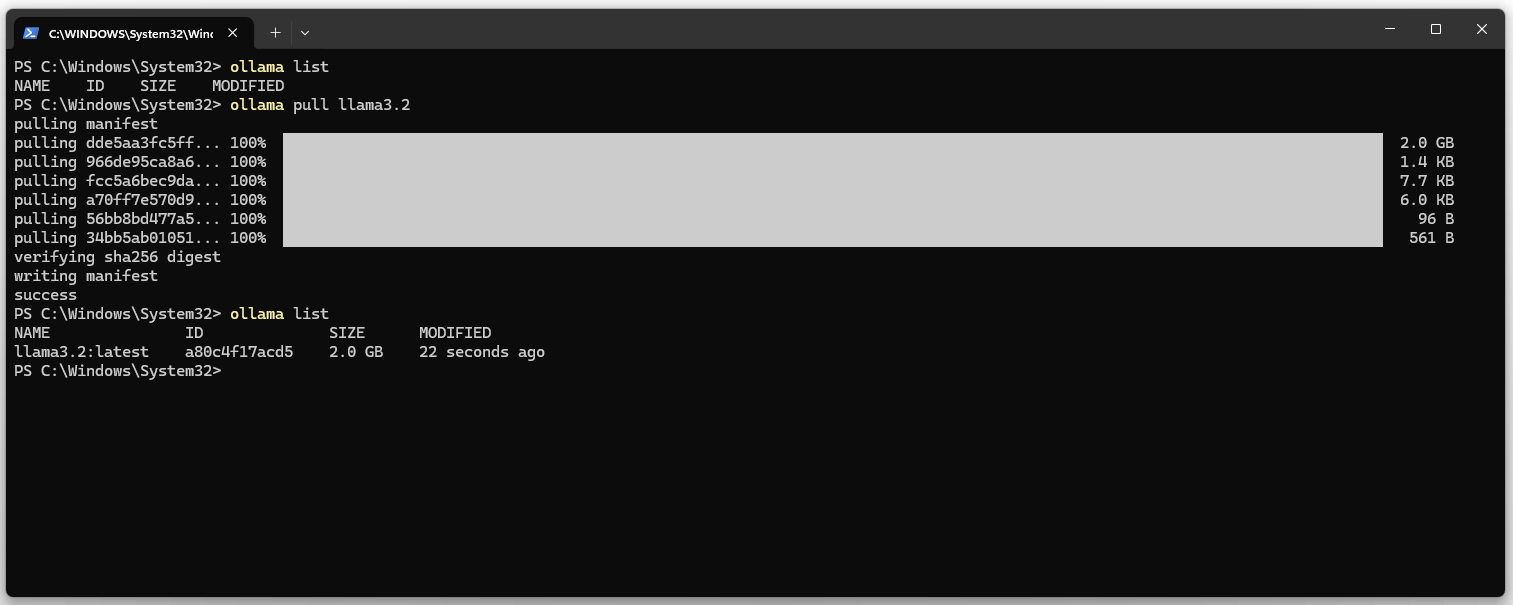
3. Show the list of installed models. The list should be empty.
ollama list
4. Download the llama3.2 LLM and DeepSeekv3 (404 GB HD & 413 GB RAM).
ollama pull llama3.2 ollama pull deepseek-v3
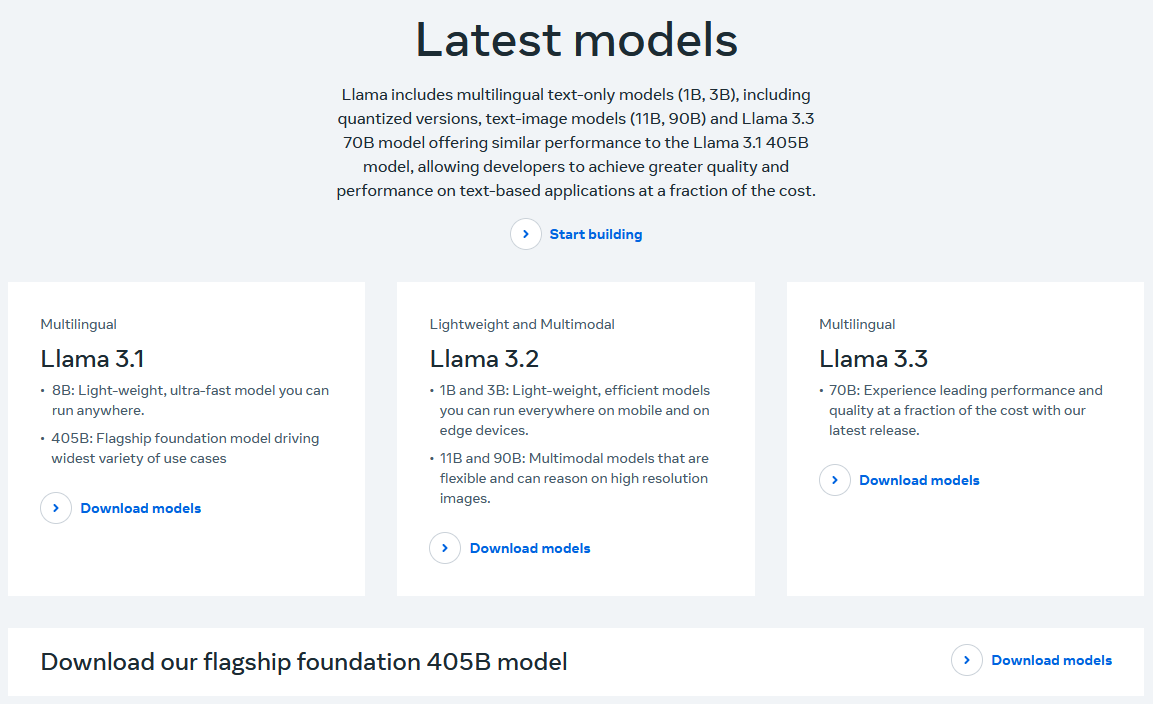
On the Meta website you can find the current versions of the LLM.
5. Start llama3.
ollama run llama3.2
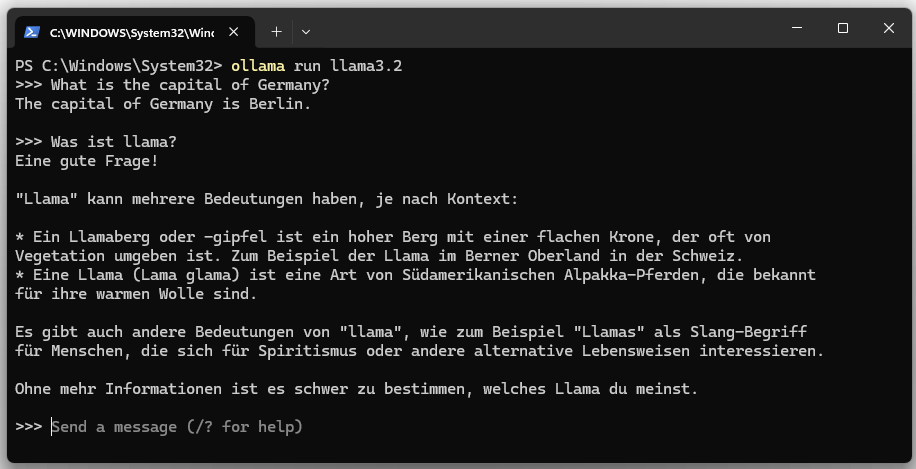
The language model can be stopped with “Ctrl + d” or with the “/bye” command.
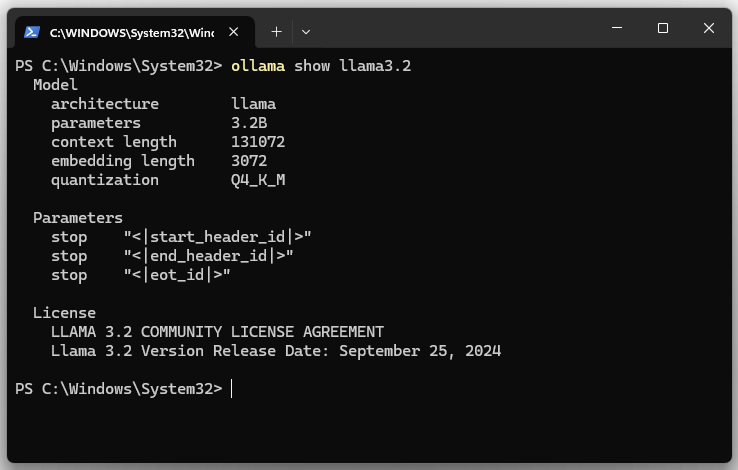
6. Display model details for llama3.2.
ollama show llama3.2
| Parameter | |
|---|---|
| architecture | Specifies the architecture of the model. The architecture defines the structure of the neural network. LLaMA is a family of transformer models. |
| parameters | Shows the number of model parameters. The model has 3.2B (3.2 billion) parameters. The parameters are the weights and biases of the model. |
| context length | Specifies the maximum length of the context (in tokens) that the model can consider during processing. The value is 131072 (131,072 tokens). A longer context length allows the model to analyze longer texts, documents or conversations without losing relevant information. |
| embedding length | Specifies the quantization method used. Here it is Q4_K_M. Quantization is a technique to reduce the model size by lowering the precision of the model parameters (e.g. from 32-bit to 4-bit). |
| size | This is the actual disk size required to store the model. |
| download name | The name of the model. |
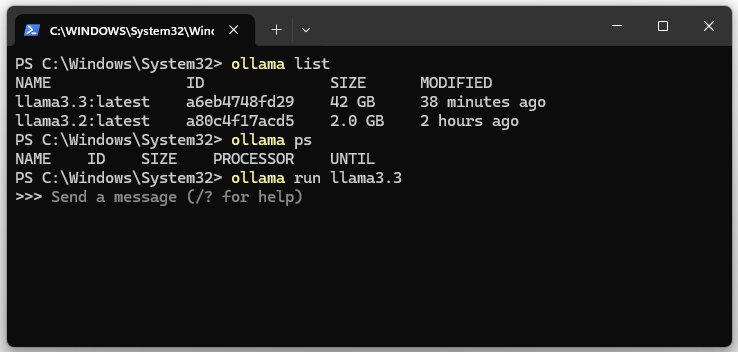
7. Show running LLM or llama3.x instances.
ollama ps
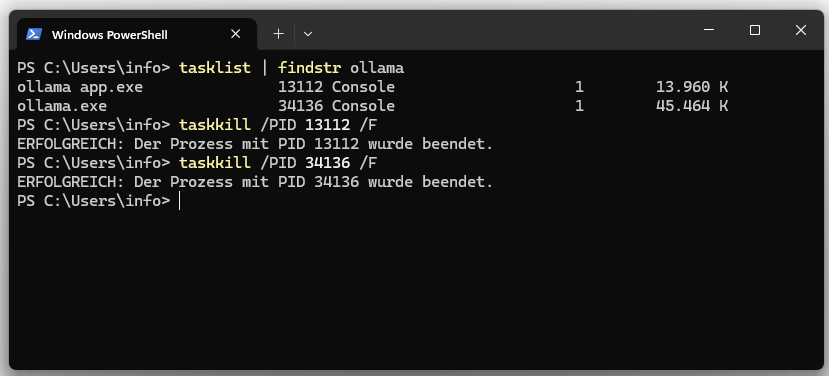
8. Stop the Ollama server
Both processes can be terminated via Task Manager or Bash.
tasklist | findstr ollama
taskkill /PID /F
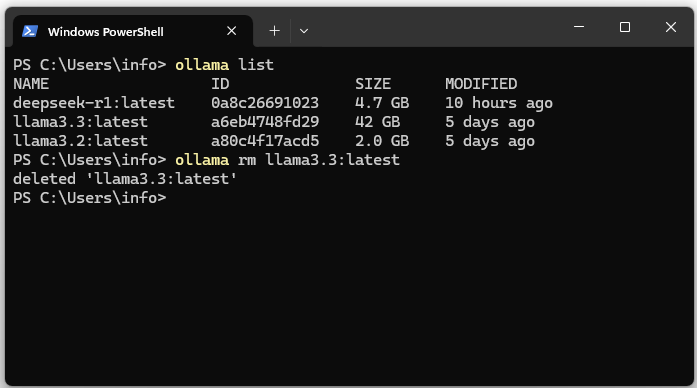
09. Uninstall the Ollama model

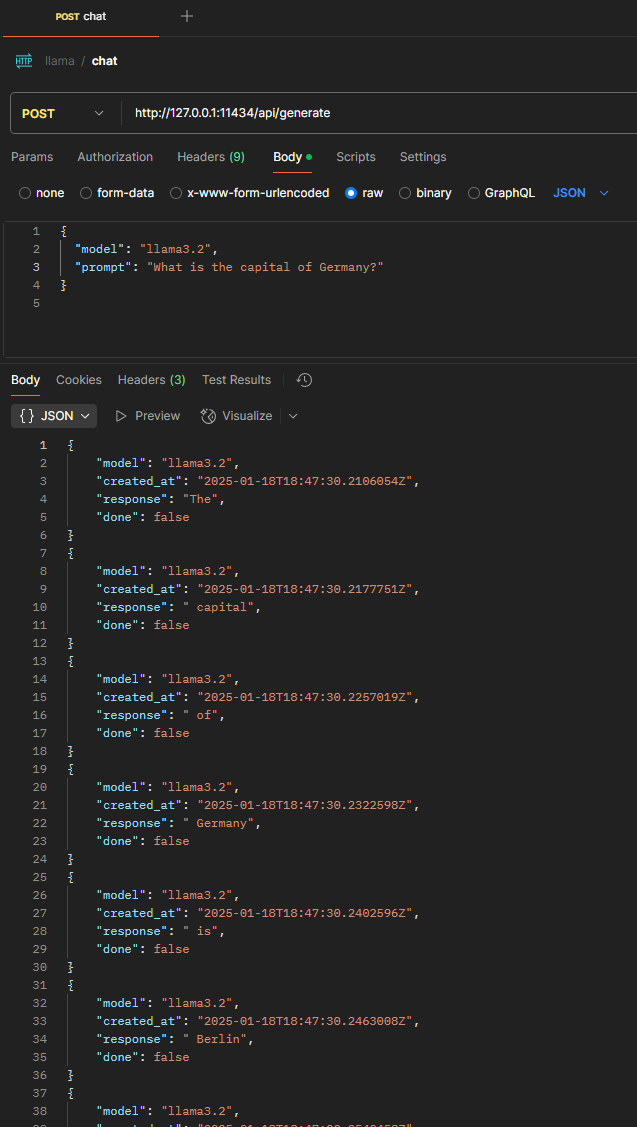
10. REST call via Postman
| Request Type | POST |
|---|---|
| Content-Type | application/json |
| Request Body | { “model”: “llama3.2”, “prompt”: “What is the capital of Germany?” } |