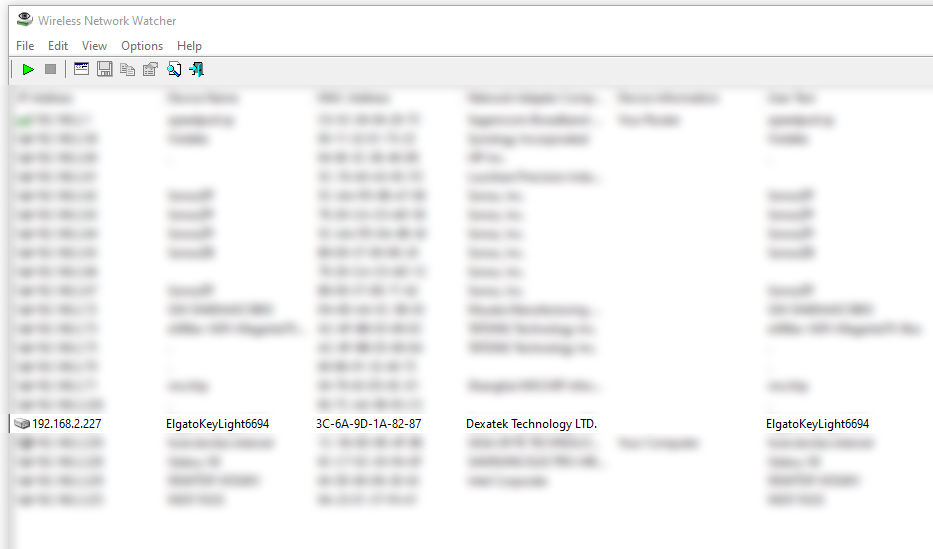
Search for the IP address of your Key Light via Wireless Network Watcher e.g. 192.168.2.227

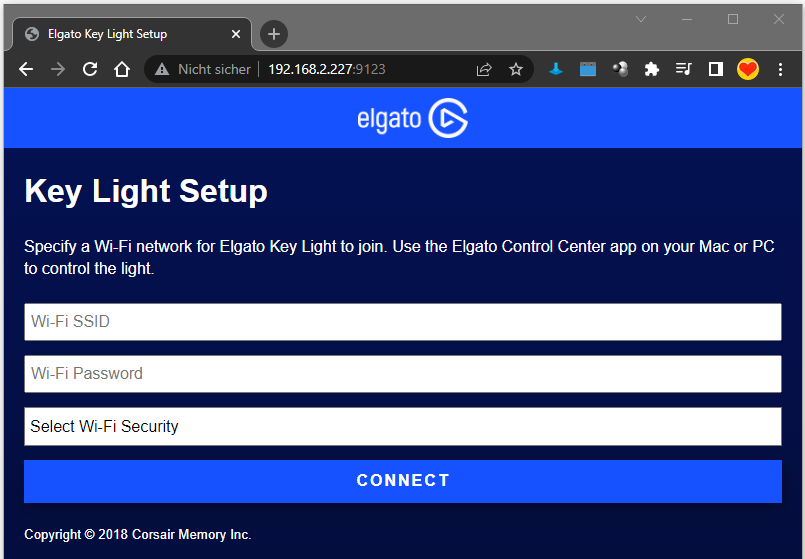
Your Key Light has a build in web server listening on port 9123 e.g. 192.168.2.227:9123
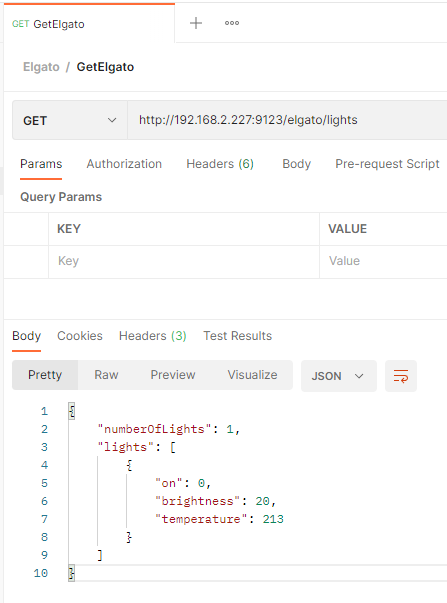
Send a GET request e.g. via Postman to the following endpoint to get more information about your Key Light: http://192.168.2.227:9123**/elgato/lights**
Turn on the light by using the following PUT request. You need to set the ‘on’ value to ‘1’ instead of ‘0’.
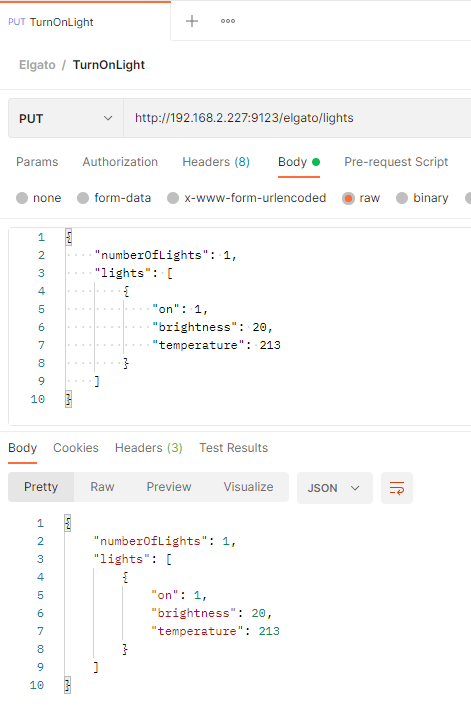
Turn on
Turn off
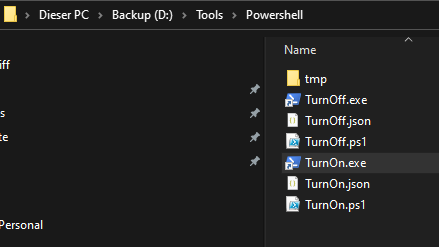
Save the JSONs within an external JSON file e.g. TurnOn.json and TurnOff.json
Create a PowerShell Script to execure the JSON files e.g. TurnOn.ps1
TurnOff.ps1
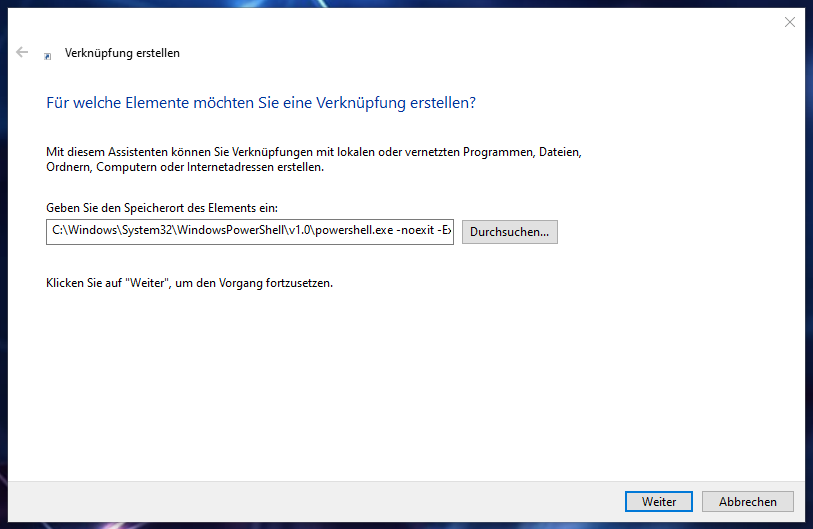
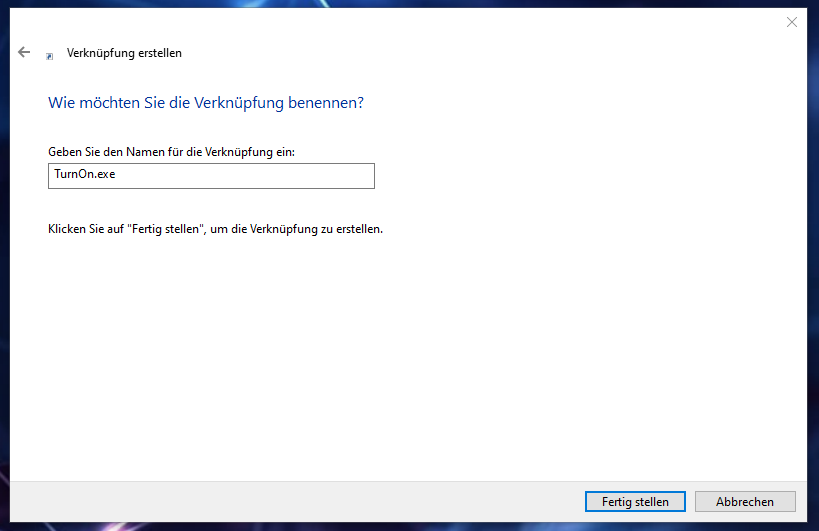
Create a PowerShell shortcut to execute your PowerShell script
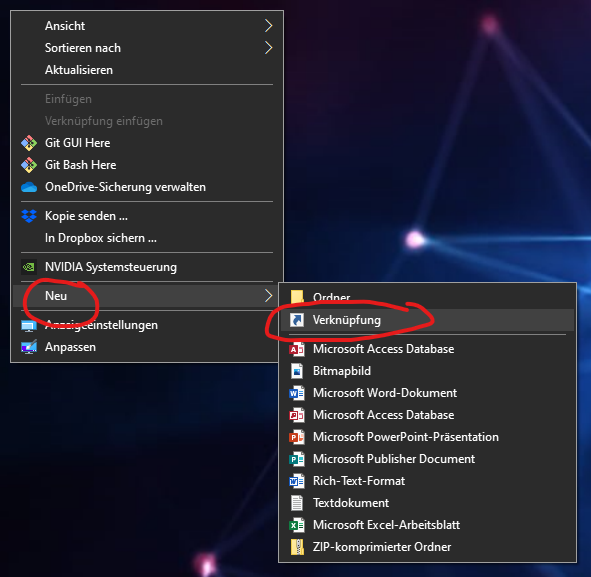
Content of the shortcut input field