VM-Management
// Help vagrant help vagrant help init
// Initialize folder for Vagrant, i.e. generate ‘Vagrantfile’ vagrant init hashicorp/precise64 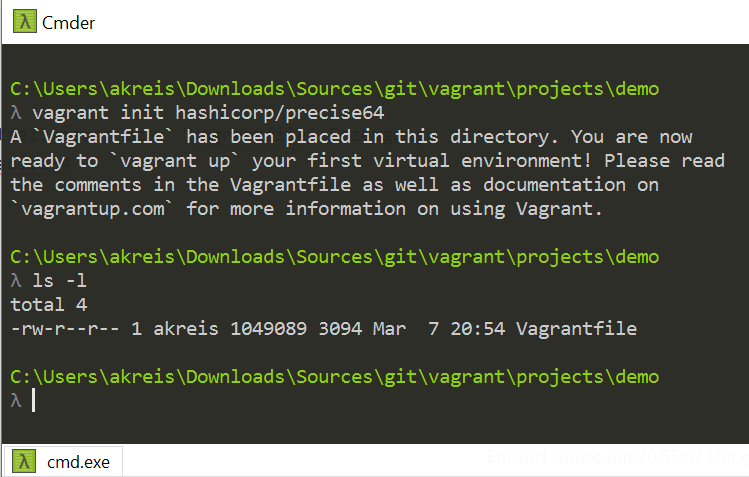
// Setup and configure an environment (Vagrant box) vagrant up 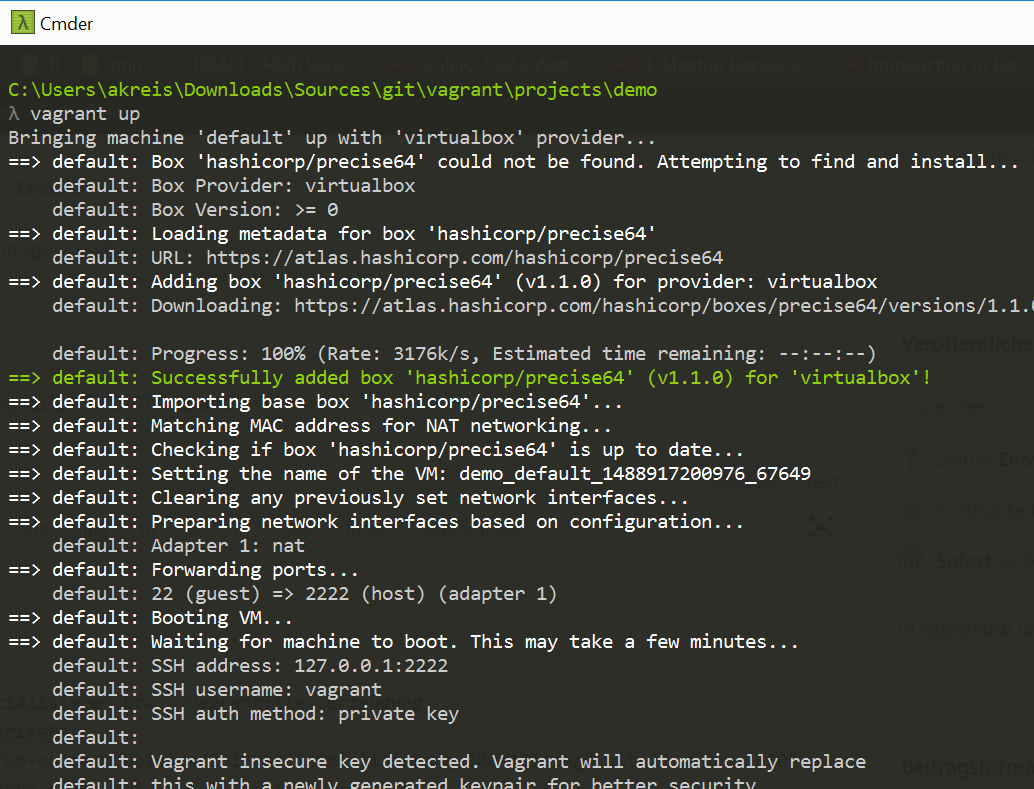
// List installed boxes 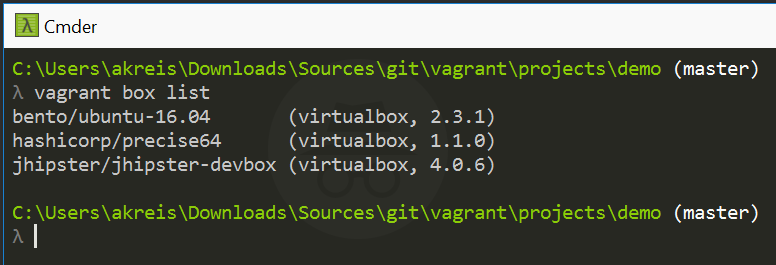
// Windows folder 
// Login via SSH vagrant ssh 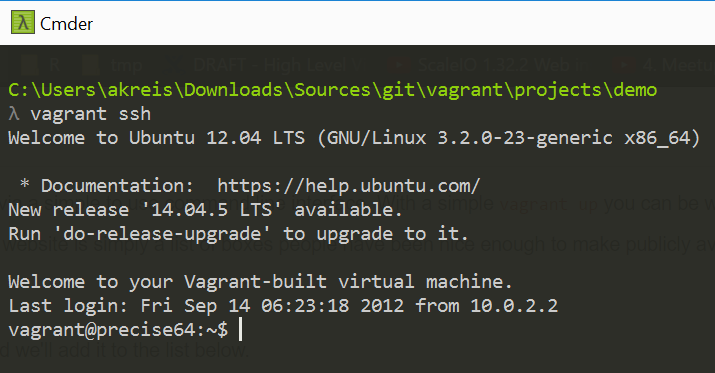
// VM sleep mode vagrant suspend 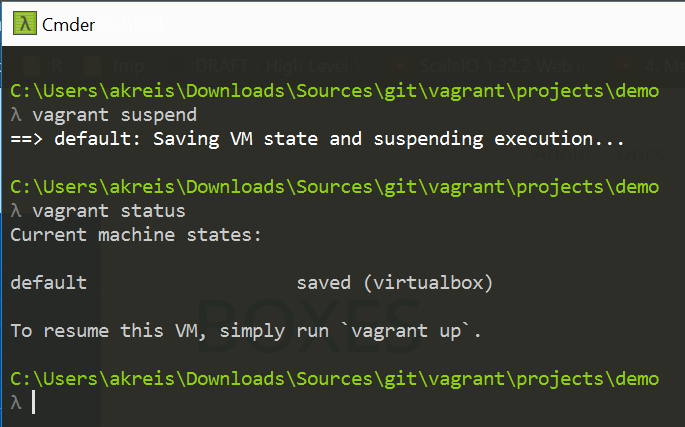
// Turn off VM (shutdown) vagrant halt 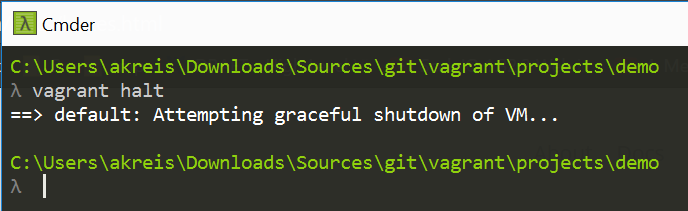
// Delete VM vagrant destroy 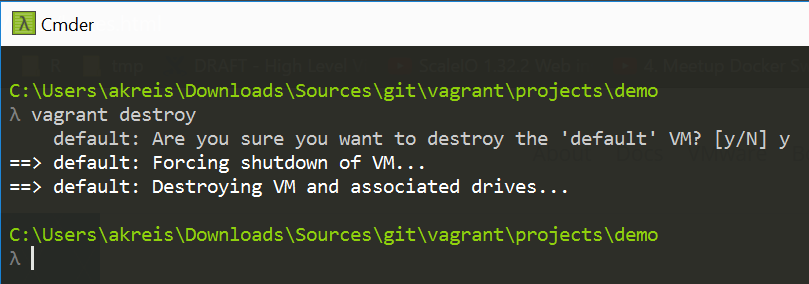
Vagrant Box
// Install additional environments (Vagrant box), e.g. Ubuntu trusty 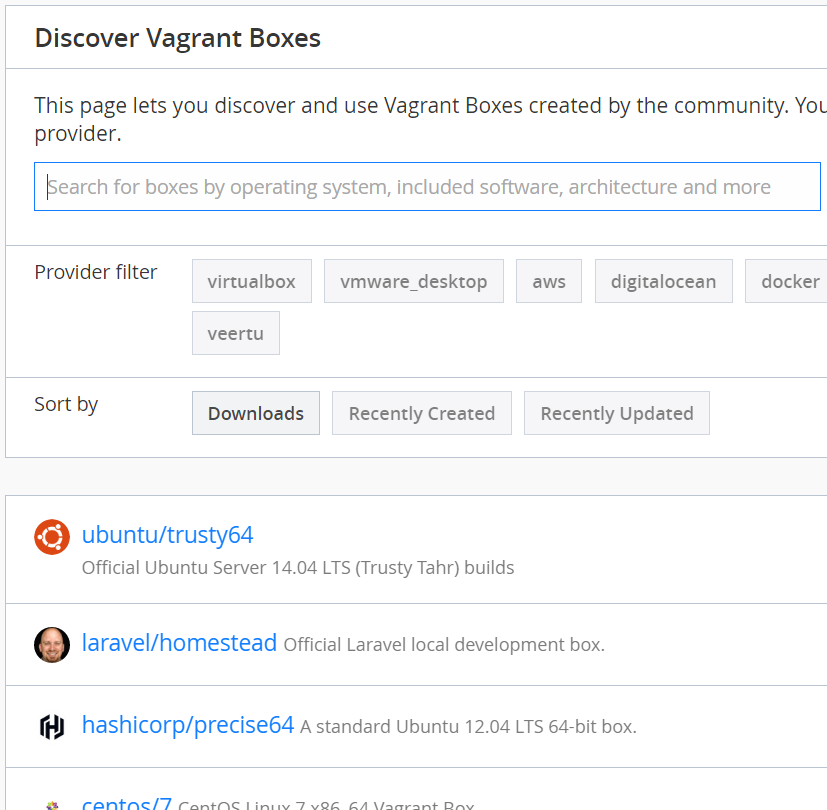
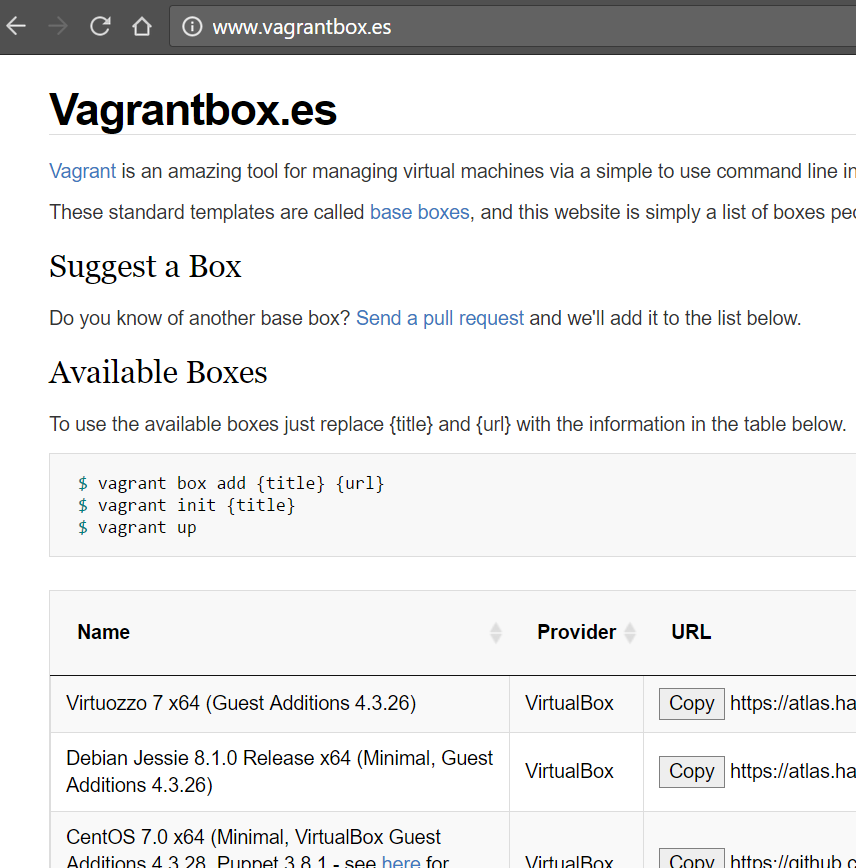
vagrant box add ubuntu/trusty64 vagrant box list
or
vagrant box add centos https://github.com/tommy-muehle/puppet-vagrant-boxes/releases/download/1.1.0/centos-7.0-x86_64.box
// Check for box updates vagrant box outdated 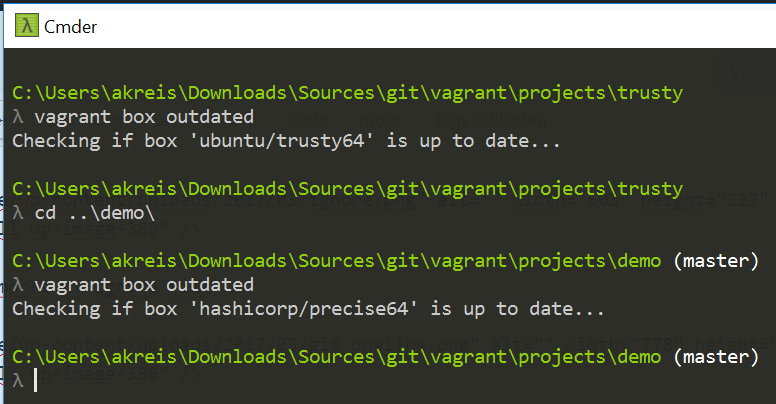
// Box update vagrant box update
// Remove box vagrant box remove hashicorp/precise64 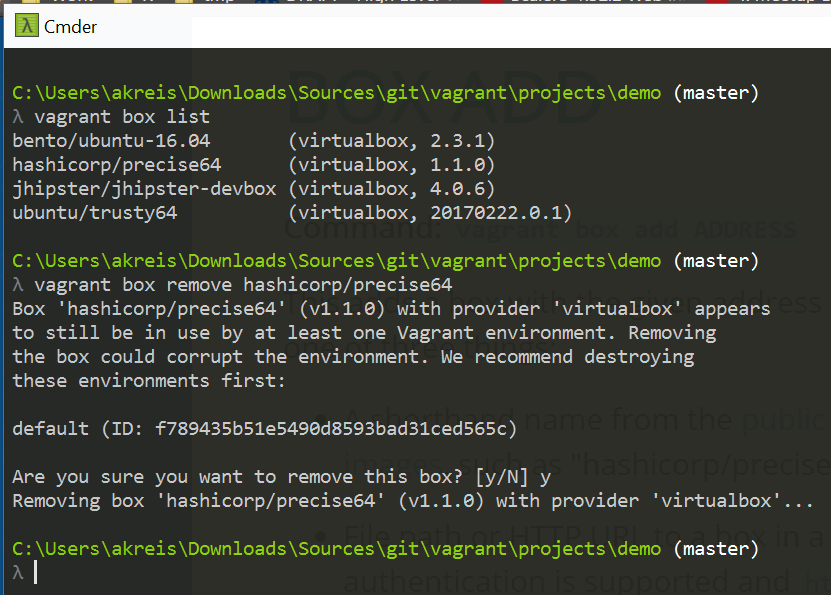
Vagrant Plugins
// Vagrant plugins source https://github.com/mitchellh/vagrant/wiki/Available-Vagrant-Plugins
// List installed plugins vagrant list plugins
// Install ‘vbguest’ plugin vagrant plugin install vagrant-vbguest 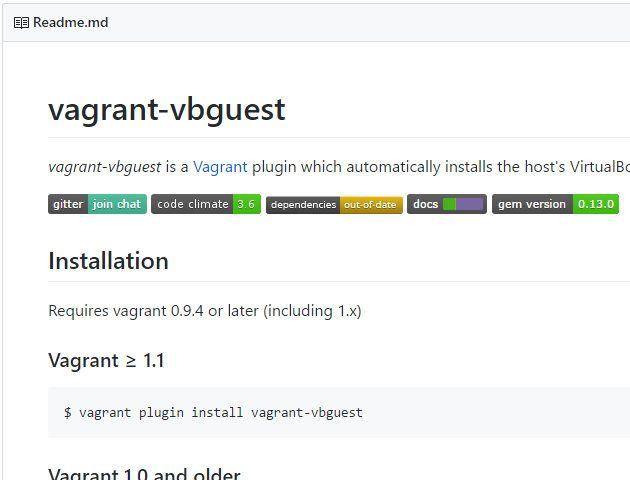
// Plugin update vagrant plugin update
// Disable automatic update of plugin (vbguest) config.vbguest.auto_update = false
// Plugin uninstallation vagrant uninstall vagrant-vbguest
Provisioning
// File provisioning // Embedding a provisioning file within the Vagrantfile atom Vagrantfile config.vm.provision “file”, source: “C:\\Users\\akreis\\.gitconfig”, destination: “~/.gitconfig” 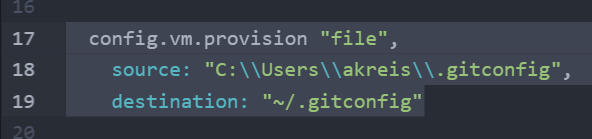
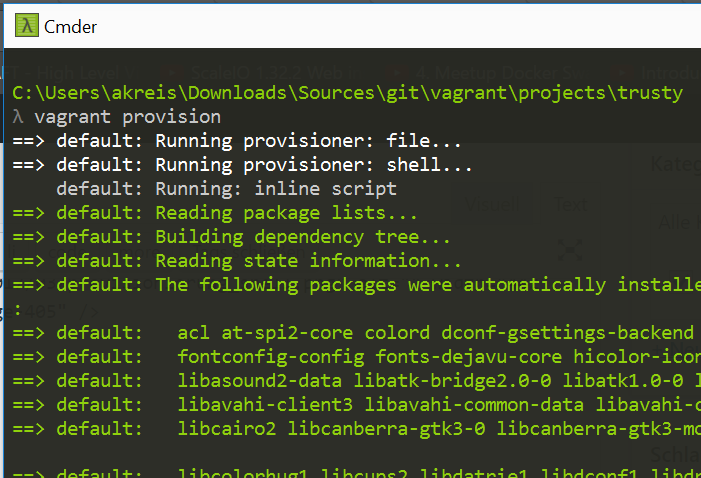
// Run provisioning vagrant provision 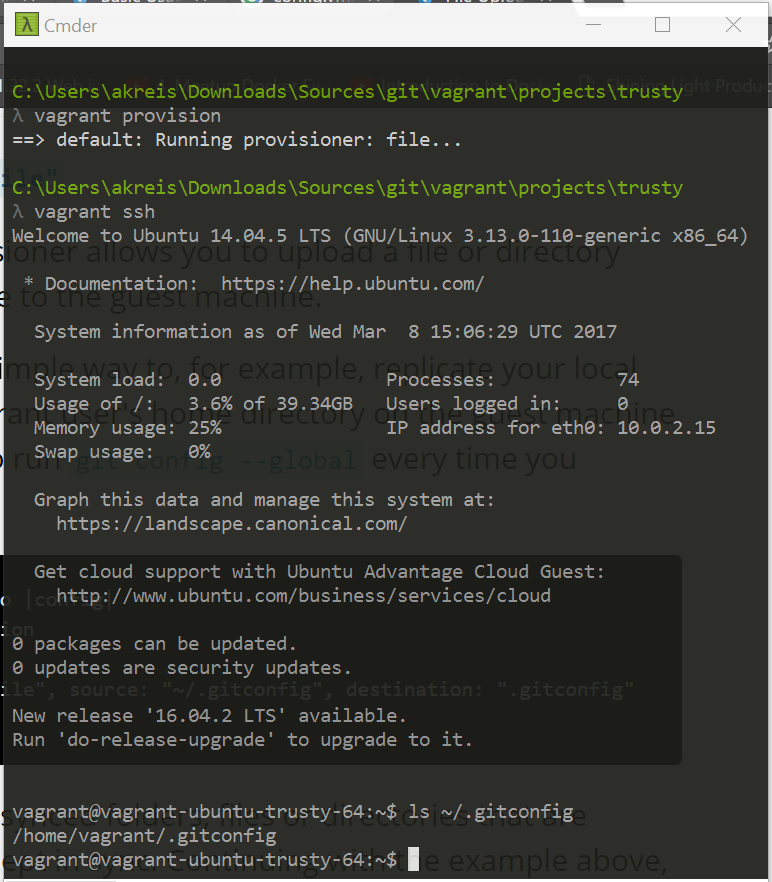
// Shell provisioning (inline) atom Vagrantfile config.vm.provision “shell”, inline: “apt-get update” 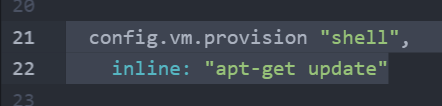 vagrant provision
// Shell provisioning (internal) atom Vagrantfile $installation = « INSTALLATION apt-get install -y git INSTALLATION config.vm.provision “shell”, inline: $installation 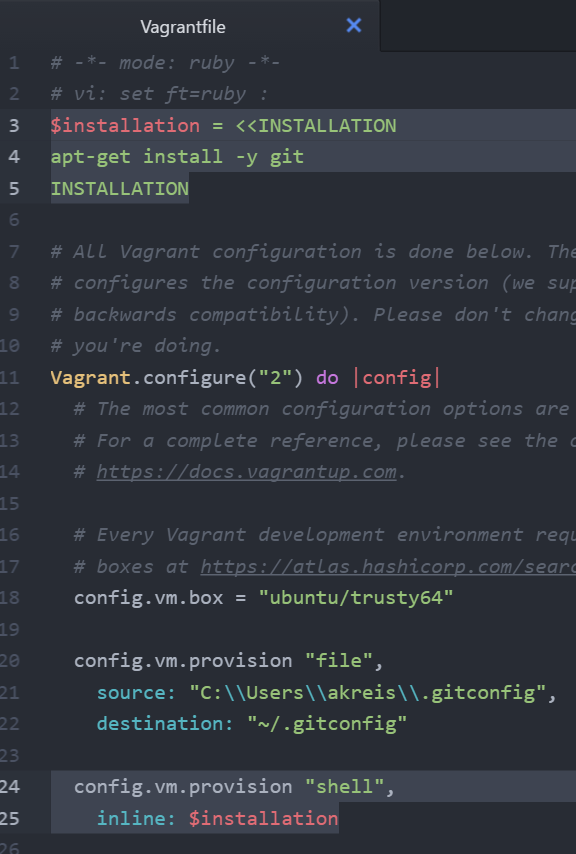 vagrant provision
// Shell provisioning (external file) // Shell script creation cd C:\Users\akreis\vagrant mkdir scripts cd scripts atom provision.sh
// Shell script content #!/bin/bash apt-get update
// Embedding the external file within the Vagrantfile cd C:\Users\akreis\Downloads\Sources\git\vagrant\projects\trusty atom Vagrantfile config.vm.provision “shell”, path: “C:\\Users\\akreis\\vagrant\\scripts\\provision.sh”  vagrant provision
Versioning
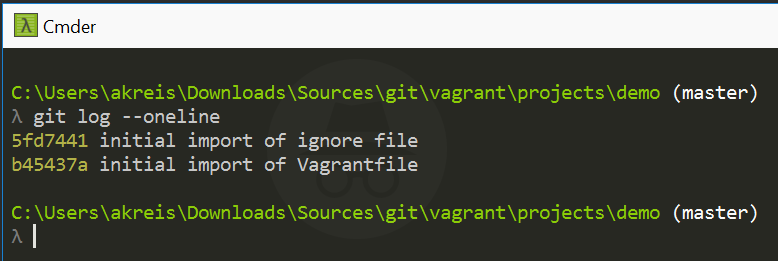
// Versioning the Vagrantfile via git + .gitignore cd < project folder > git init git add Vagrantfile git commit -m “initial import of Vagrantfile”
atom .gitignore 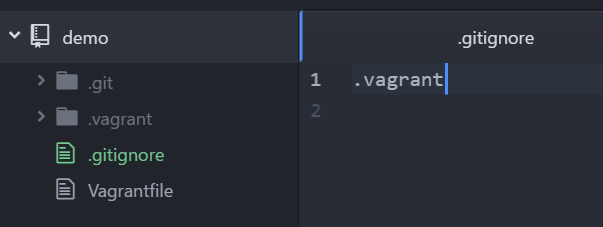 git add .gitignore git commit -m “initial import of ignore file”
// Create a local git file including entry of username and email git config –global user.name “aaron” git config –global user.email “mail@aaron.de” git config –global –list 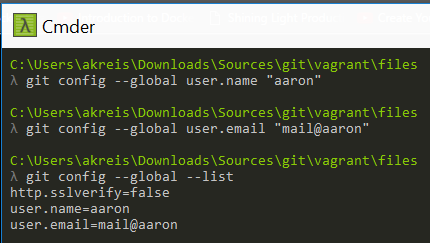 // The file can then be found under Windows at this location cat C:\Users\akreis\.gitconfig