JMeter Tutorial - Part 1
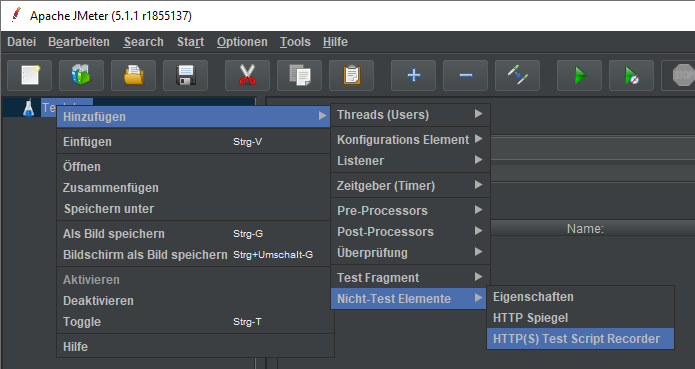
Download JMeter Start JMeter: C:\apache-jmeter-5.1.1\bin\ApacheJMeter.jar HTTP(S) Test Script Recorder To test a website’s performance with JMeter, we first need to record the workflow (request/response). Recording the workflow over an HTTPS connection is done as follows: JMeter provides a proxy server that listens on port 8888 by default. Since we are not interested in images, CSS files, etc., we exclude these: Since JMeter listens on port 8888, we need to forward internet traffic to the local proxy server: ...