VM-Management
// Hilfe vagrant help vagrant help init
// Ordner für Vagrant initialisieren bzw. ‘Vagrantfile’ Erzeugung vagrant init hashicorp/precise64 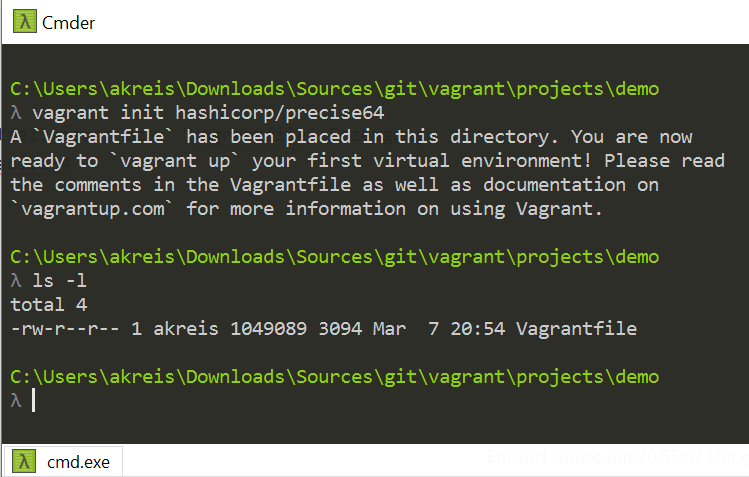
// Aufbau und Konfiguration einer Umgebung (Vagrant-Box) vagrant up 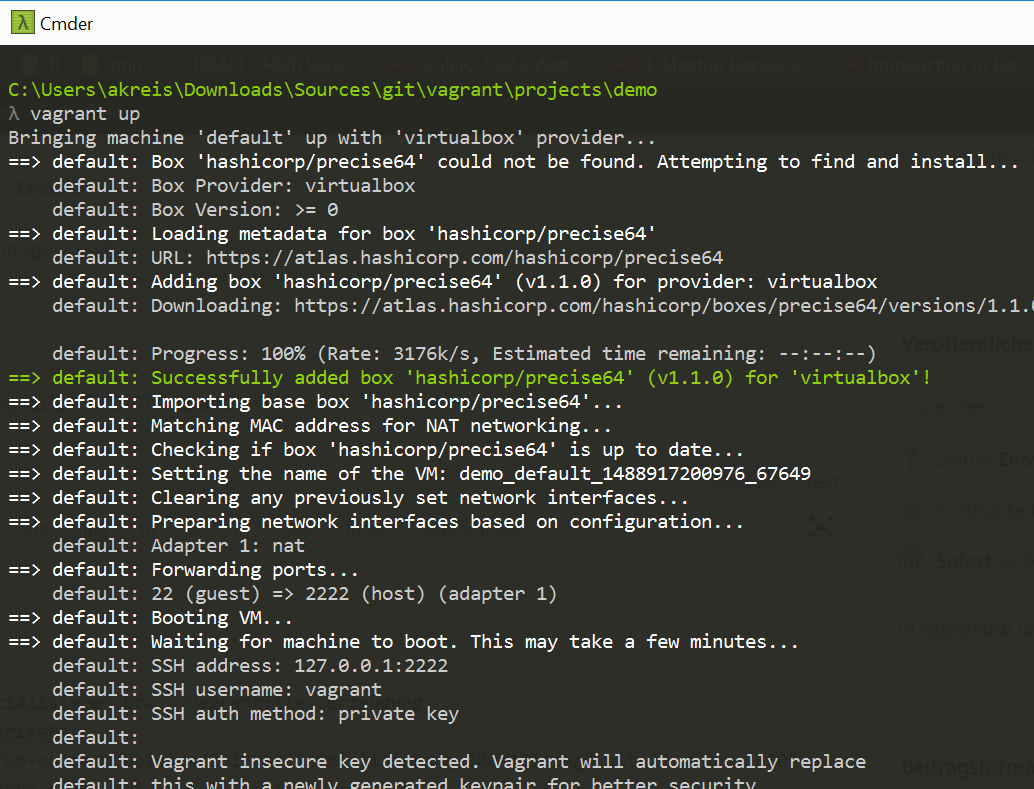
// Auflistung der installierten Boxen 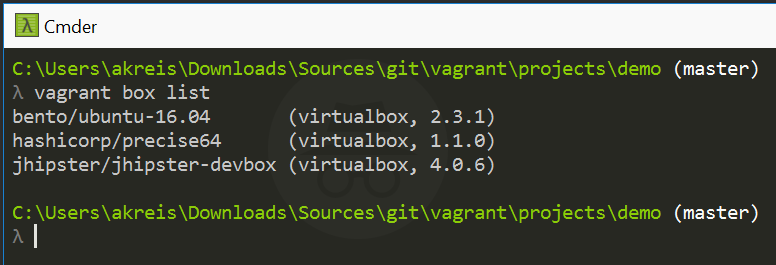
// Windows Ordner 
// Login via SSH vagrant ssh 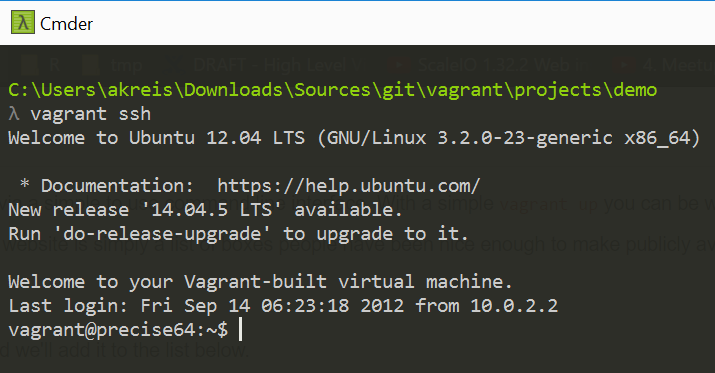
// VM sleep mode vagrant suspend 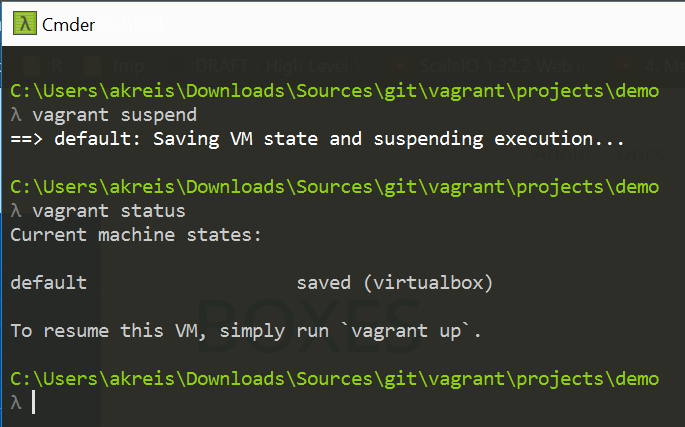
// VM ausschalten (shutdown) vagrant halt 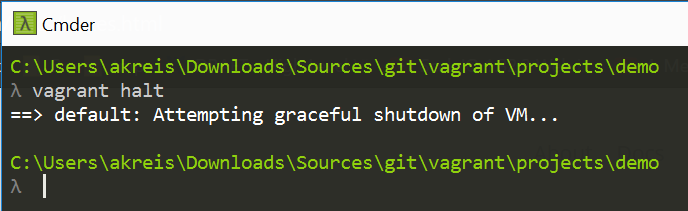
// VM Löschen vagrant destroy 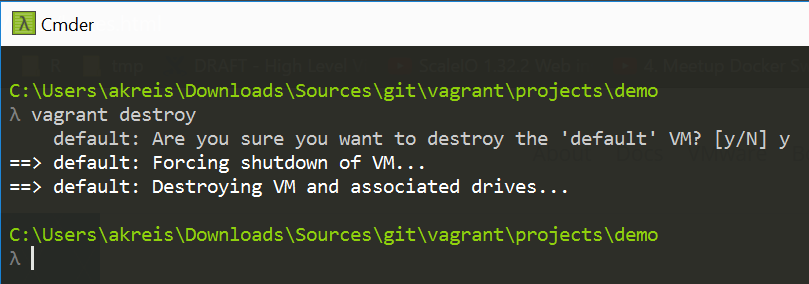
Vagrant Box
// Installation von weiteren Umgebungen (Vagrant Box) z.B. Ubuntu trusty 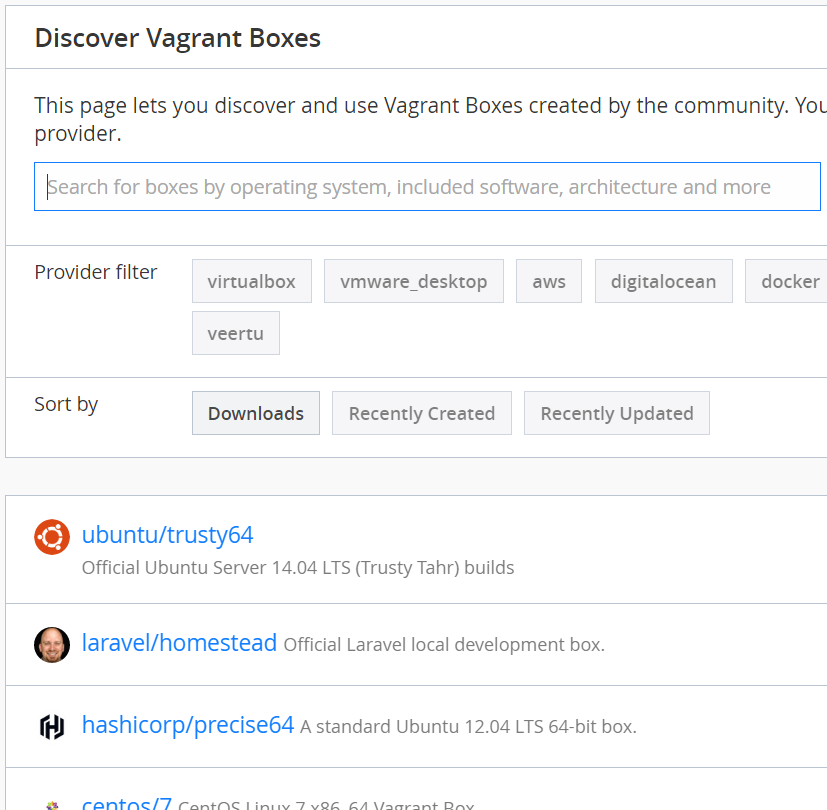
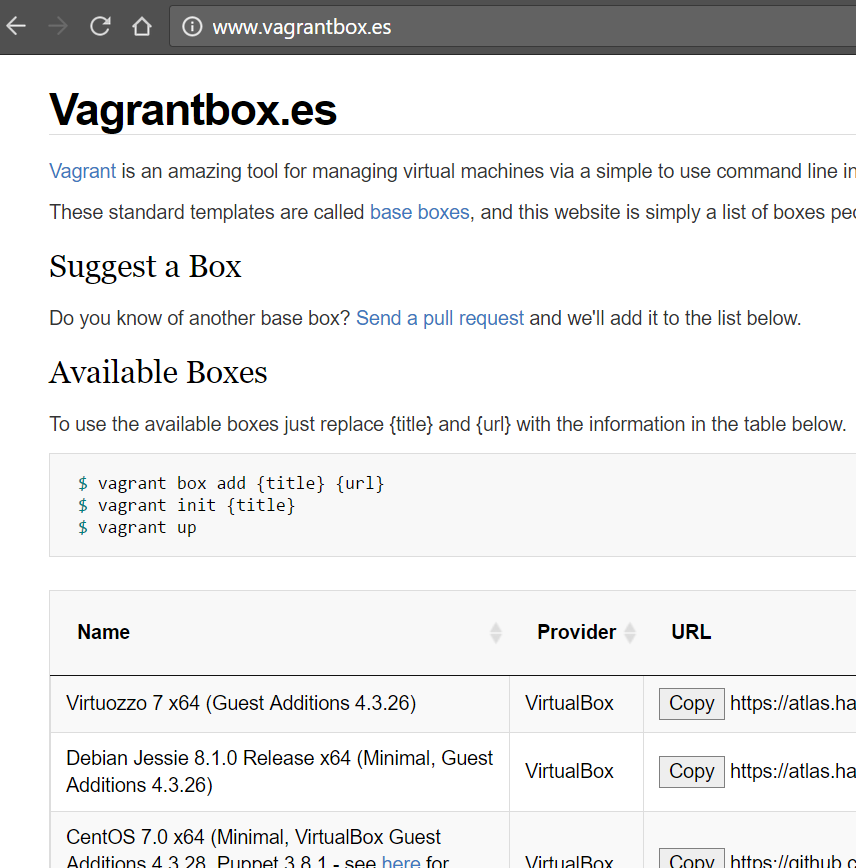
vagrant box add ubuntu/trusty64 vagrant box list
oder
vagrant box add centos https://github.com/tommy-muehle/puppet-vagrant-boxes/releases/download/1.1.0/centos-7.0-x86_64.box
// Box update Kontrolle vagrant box outdated 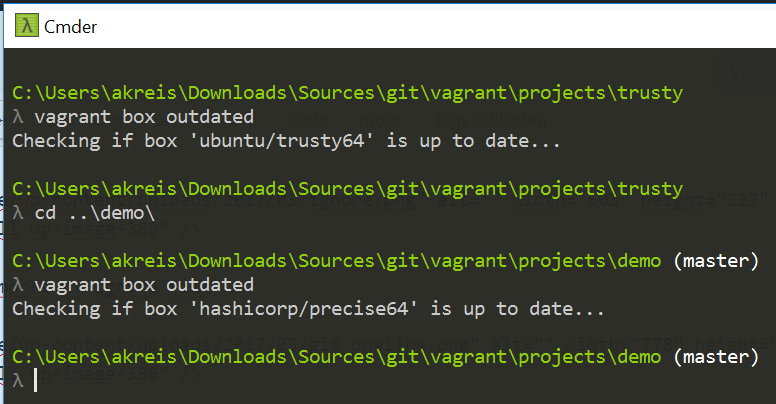
// Box update vagrant box update
// Box löschen vagrant box remove hashicorp/precise64 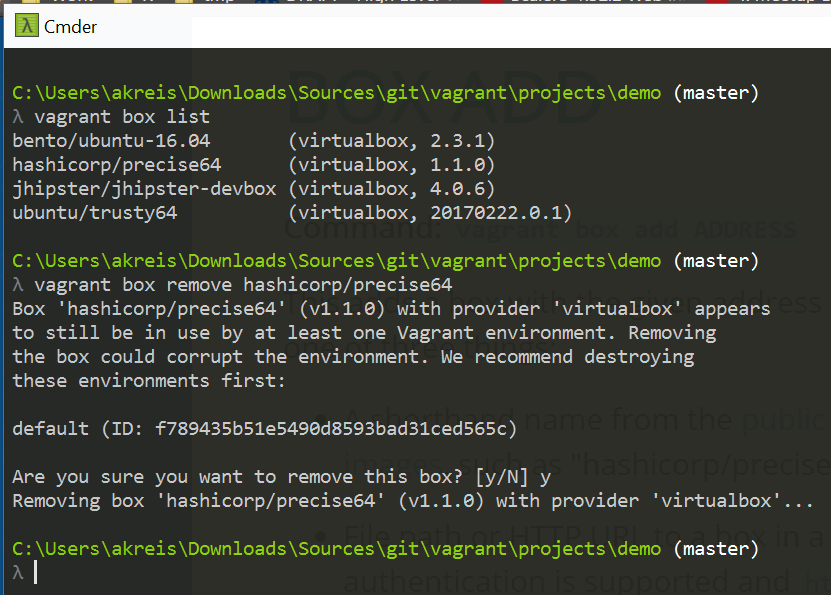
Vagrant Plugins
// Vagrant Plugins Quelle https://github.com/mitchellh/vagrant/wiki/Available-Vagrant-Plugins
// Liste der installierten Plugins vagrant list plugins
// Installation ‘vbguest’ Plugin vagrant plugin install vagrant-vbguest 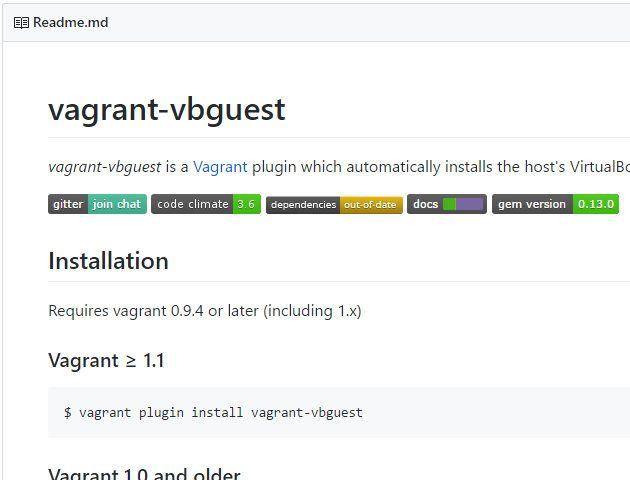
// Plugin update vagrant plugin update
// Automatische Update des Plugins (vbguest) deaktivieren config.vbguest.auto_update = false
// Plugin desinstallation vagrant uninstall vagrant-vbguest
Provisionierung
// File Provisionierung // Einbindung einer Provisionierungsdatei innerhalb des Vagrantfiles atom Vagrantfile config.vm.provision “file”, source: “C:\\Users\\akreis\\.gitconfig”, destination: “~/.gitconfig” 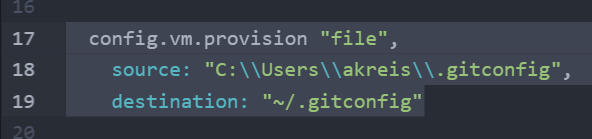
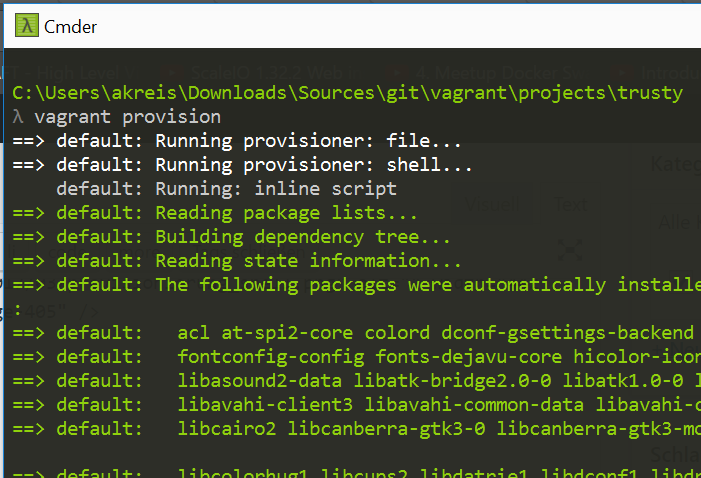
// Provisionierung ausführen vagrant provision 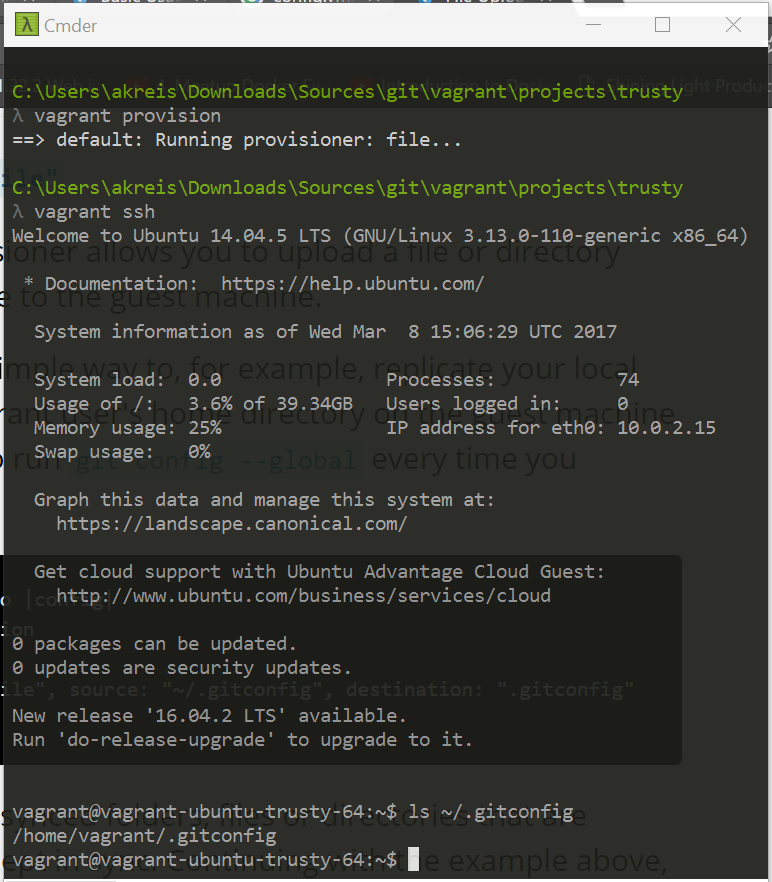
// Shell Provisionierung (inline) atom Vagrantfile config.vm.provision “shell”, inline: “apt-get update” 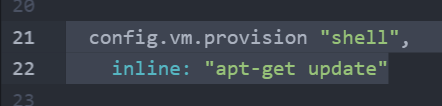 vagrant provision
// Shell Provisionierung (internal) atom Vagrantfile $installation = « INSTALLATION apt-get install -y git INSTALLATION config.vm.provision “shell”, inline: $installation 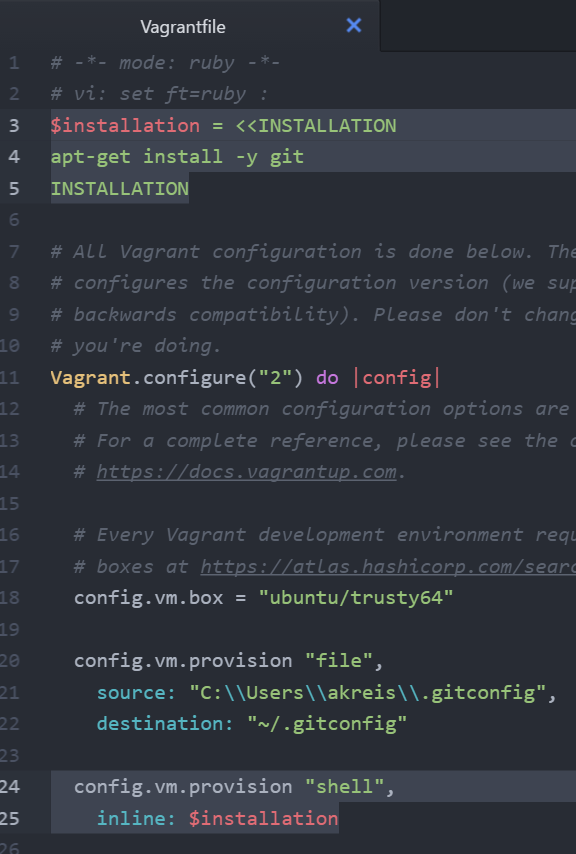 vagrant provision
// Shell Provisionierung (external file) // Shell-Script Erstellung cd C:\Users\akreis\vagrant mkdir scripts cd scripts atom provision.sh
// Inhalt des Shell-Scripts #!/bin/bash apt-get update
// Einbindung der externen Datei innerhalb des Vagranfiles cd C:\Users\akreis\Downloads\Sources\git\vagrant\projects\trusty atom Vagrantfile config.vm.provision “shell”, path: “C:\\Users\\akreis\\vagrant\\scripts\\provision.sh”  vagrant provision
Versionierung
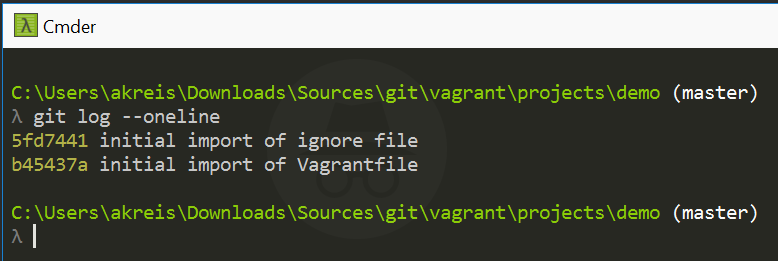
// Versionierung der Vagrantfile via git + .gitignore cd < project folder > git init git add Vagrantfile git commit -m “initial import of Vagrantfile”
atom .gitignore 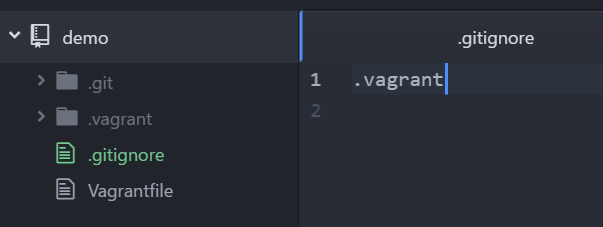 git add .gitignore git commit -m “initial import of ignore file”
// Erstellung einer lokalen git-Datei inkl. Eintrag von username und email git config –global user.name “aaron” git config –global user.email “mail@aaron.de” git config –global –list 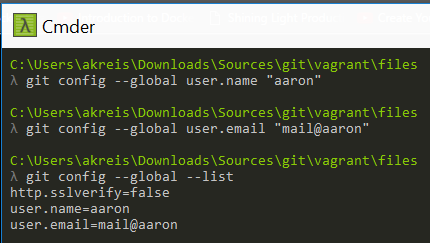 // Die Datei ist anschließend unter Windows an dieser Position zu finden cat C:\Users\akreis\.gitconfig